U P D A T I N G T H E F L E X - 5 0 0 0 F I R M W A R E A P P E N D I X B
Note: If you do not hear the relays click, switch off the FLEX-5000 and then
switch it on again. Start up PowerSDR and if you do not get a
firmware version error message (see Figure 26 on page 43) all is well.
If you do get the error message, try updating the firmware again
following the procedure described above.
[The rest of this page has been left blank intentionally]
209 2003-2008 FlexRadio Systems
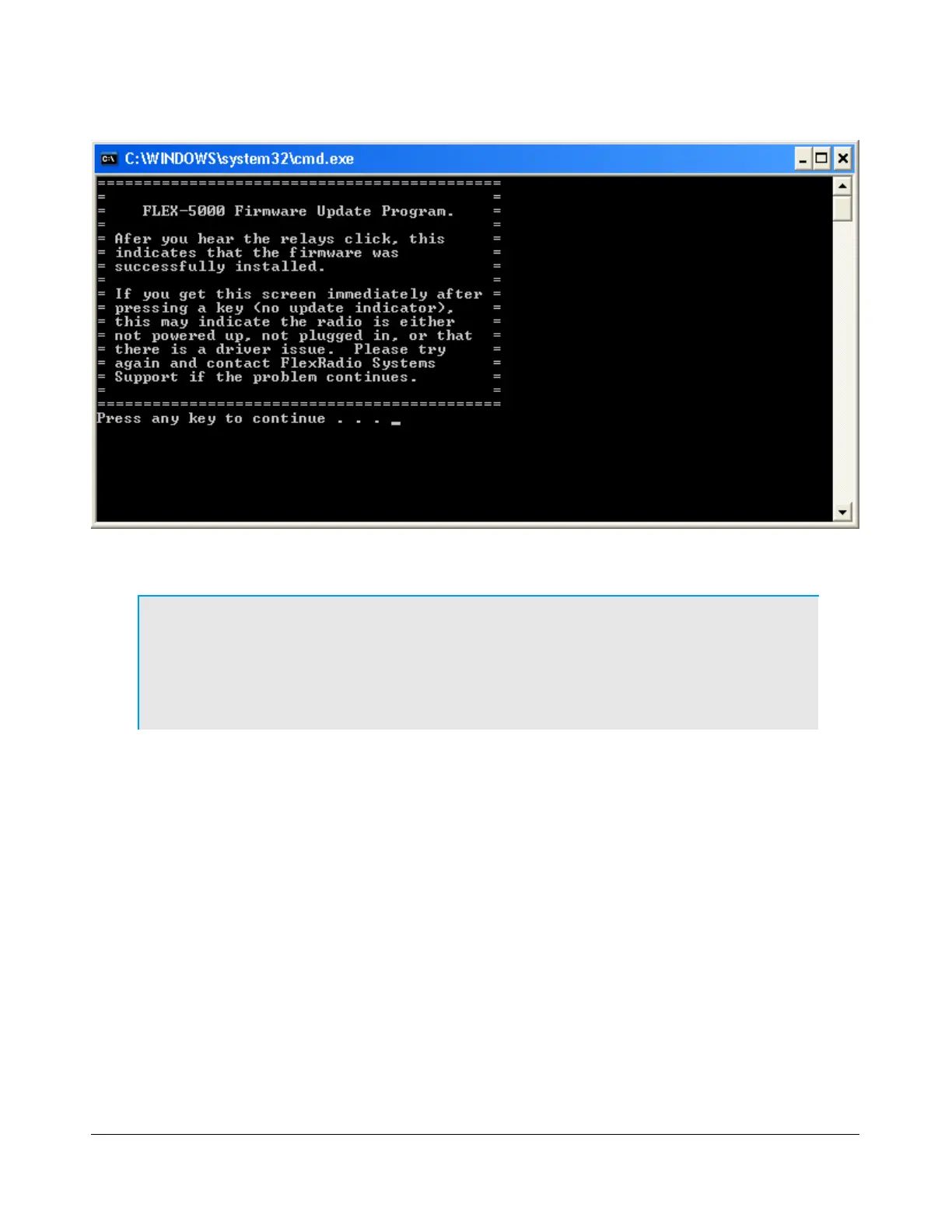
Figure 185: Burn.bat Final Screen



 To Next Page