P O W E R S D R I N S T A L L A T I O N & S E T U P C H A P T E R 2
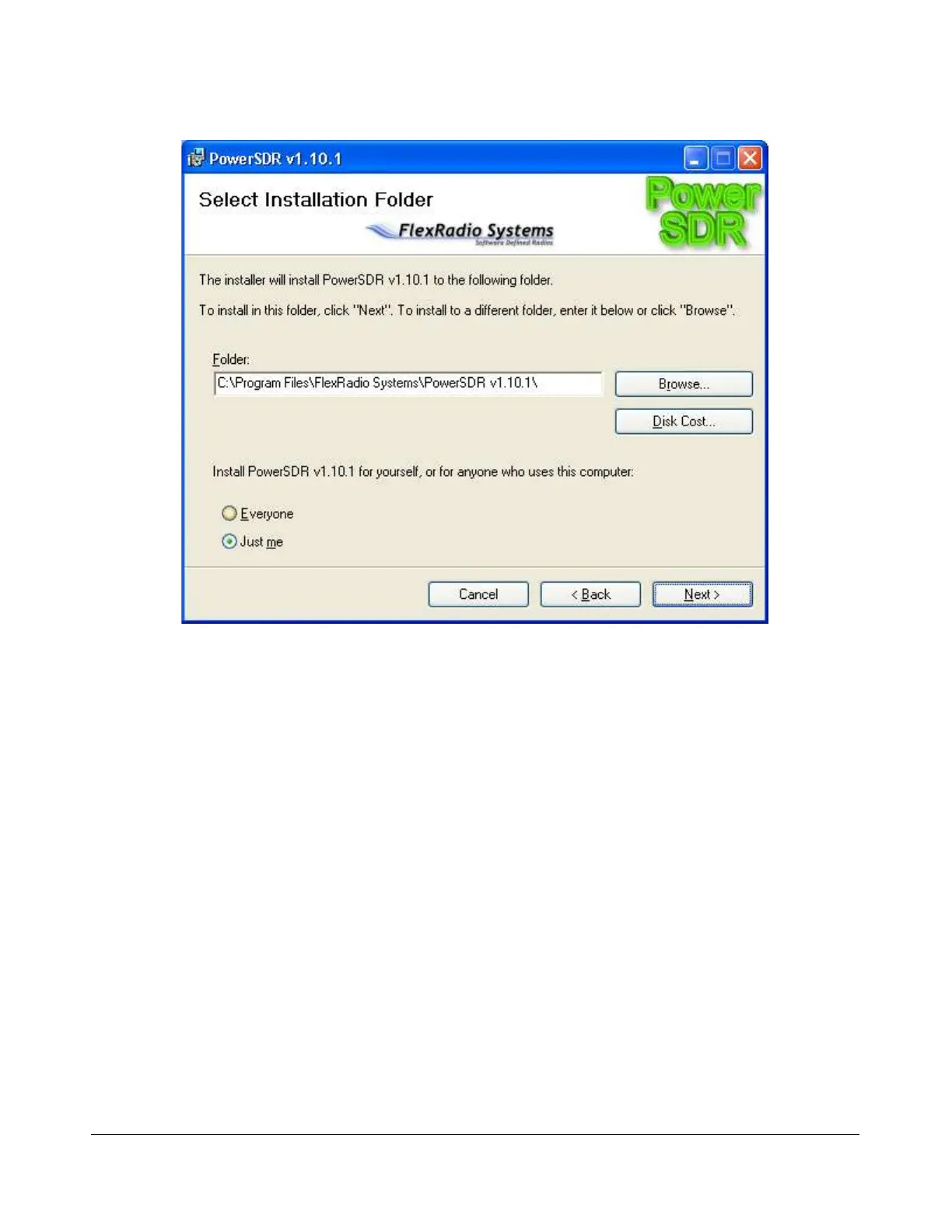
Figure 18: PowerSDR Installation Folder Selection
You can change the installation directory here, though we recommend you use the default for
troubleshooting purposes. Click the Next button to continue to Figure 19.
[The rest of this page has been left blank intentionally]
35 2003-2008 FlexRadio Systems



 To Next Page