S E T U P F O R M C H A P T E R 4
Calibration Sub-Tab
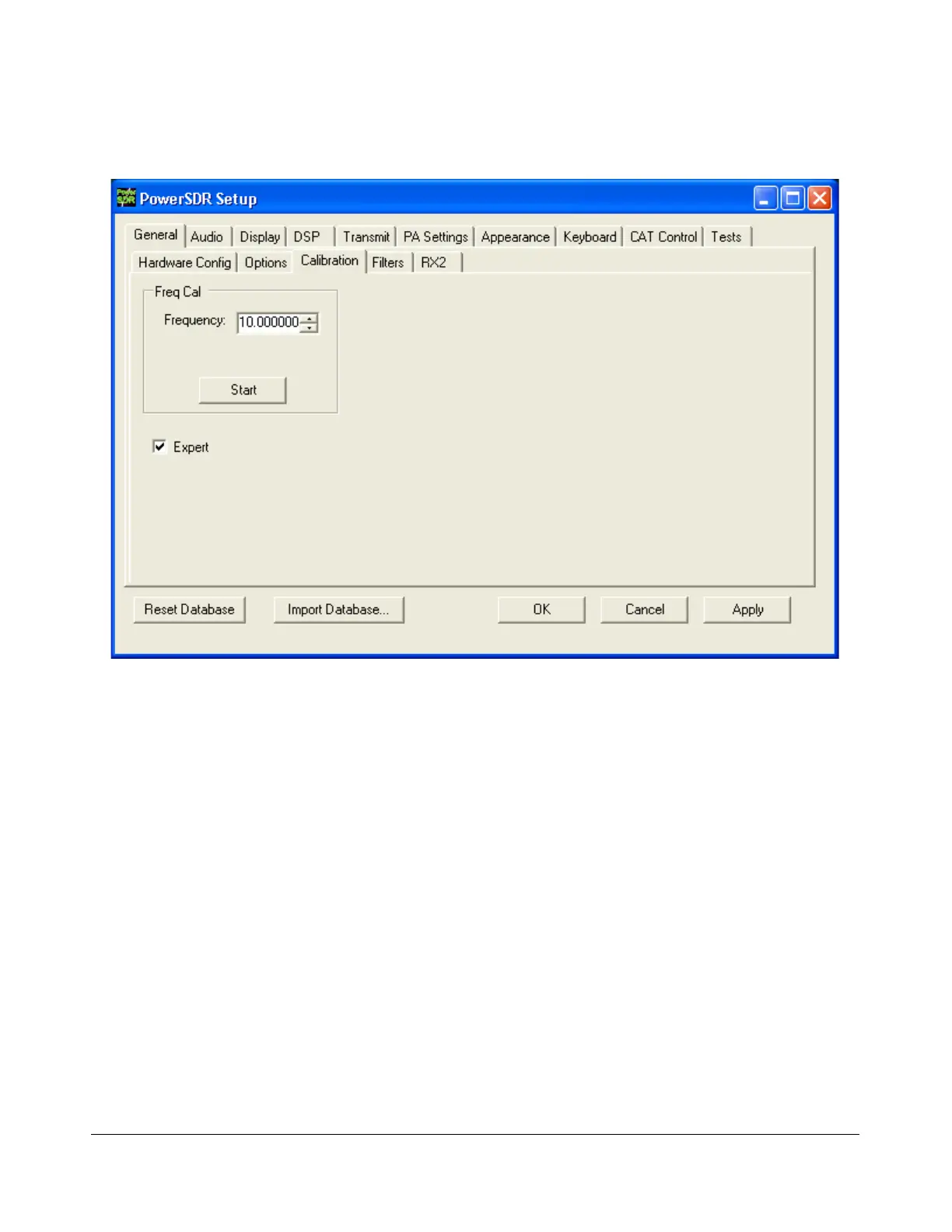
Figure 72: Setup Form - General Tab, Calibration Sub-Tab
To reveal the Frequency Calibration Sub-Tab, you will need to check the Expert box, which will
generate a warning that this is meant only for experienced users. If you decide to proceed tune your
radio to a known accurate frequency source (e.g. WWV), enter the frequency in the Frequency control
and click the Start button.
[The rest of this page has been left blank intentionally]
87 2003-2008 FlexRadio Systems



 To Next Page