Print Settings
USER MANUAL
12
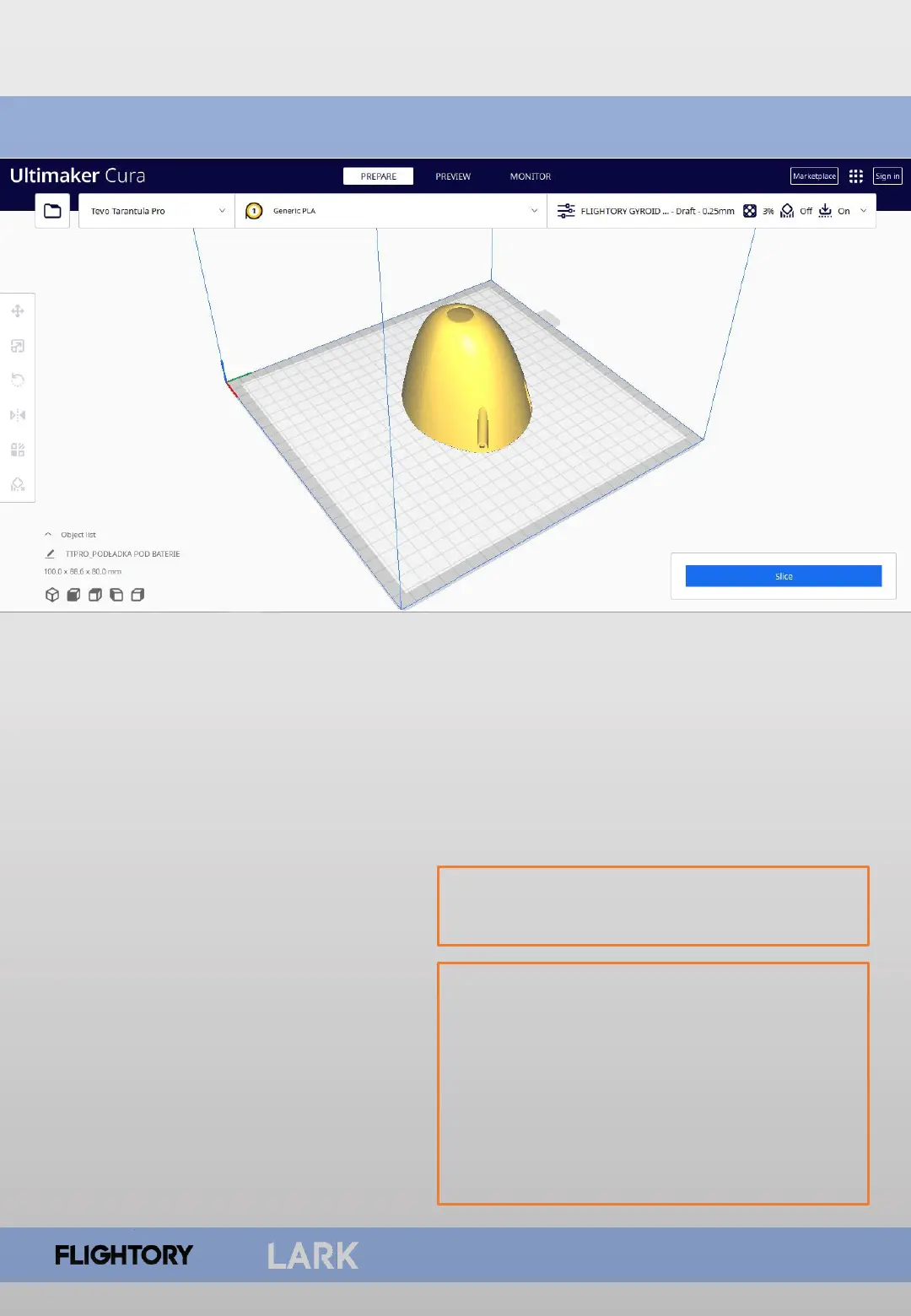
Slicer software you need to use is Ultimater Cura. All elements from LW-PLA
are best printed with ready-made settings prepared in a profile that you can
download. Settings are prepared a standard 0.4mm nozzle. Download link is
available on Flightory Blog. Infill in this profile is set to 6%. For this project I
recommend changing it to 3% for most parts. This is sufficient infill
Main features of slicer LW-PLA profile
• layer height: 0,25 mm
• single wall 0,4mm thickness
• 3% Gyroid infill.
• Temperature: 235 degrees,
• flow 60%
• fan speed: 0%
The rest of the detailed settings are
saved in the profile.
To print hard PLA or PET-G parts, use
a default profile in CURA called
Draft. Layer height is 0.2 mm, infill
is 20% Grid pattern. Set the
temperature around 220 degrees.
You can fine-tune these parameters
to suit your needs and your printer.



 To Next Page