
 To Next Page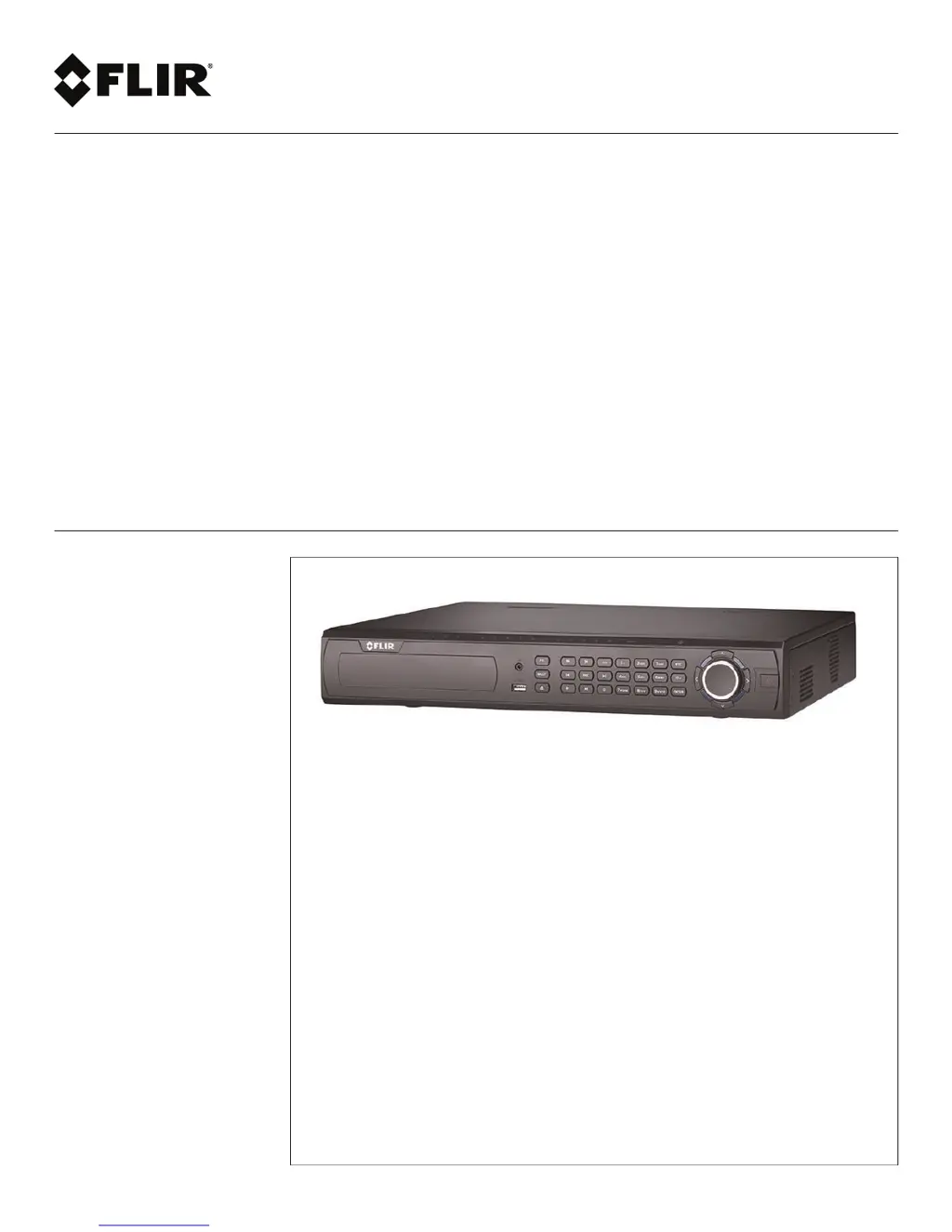
Q
qhaynesAug 6, 2025
What to do if my FLIR DVR is not receiving power?
- DDonald CollinsAug 6, 2025
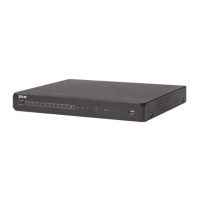
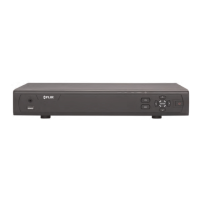
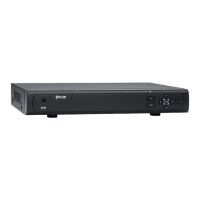
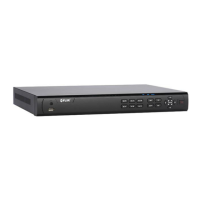
If your FLIR DVR is not receiving power or powering up, ensure all power cables are securely connected, including the power adapter at the back of the unit. Also, verify that the power switch is in the ON (I) position. If the problem persists, confirm the system is powered on by checking the LED indicators on the front. If connected to a power bar or surge protector, bypass it and plug directly into the wall outlet. Check the outlet by plugging in another device or trying a different outlet.
 General