EasyManua.ls Logo

Flowserve FLEX 6300 - User Manual

Flowserve FLEX 6300
44 pages
Print Icon
To Next Page IconTo Next Page
Loading...
These instructions must be read prior to installing, operating, and
maintaining this equipment.
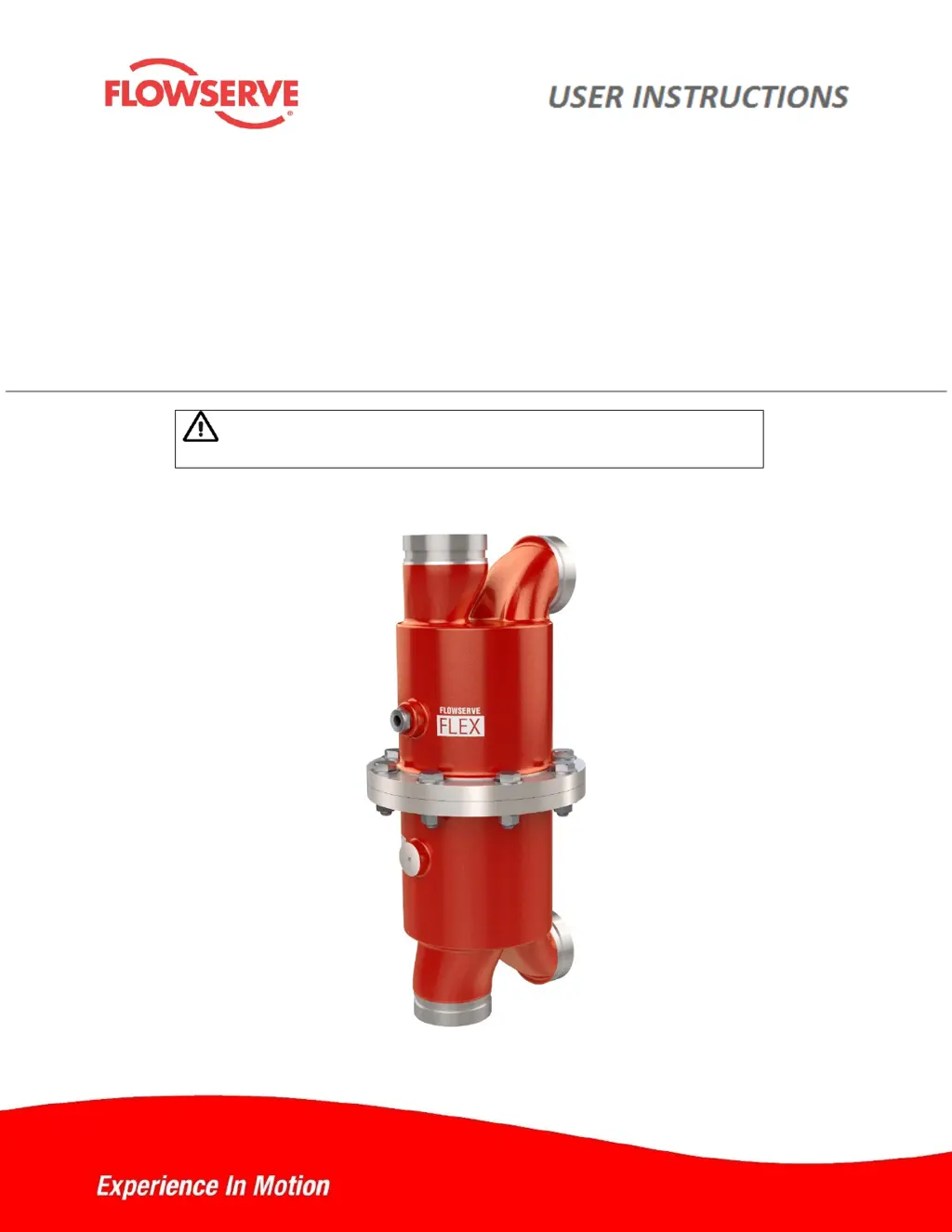
Flowserve FLEX™
Installation
Operation
Maintenance
Isobaric Energy Recovery Device
21TEM14546 EN
Original Instructions

Questions and Answers

  • J
    John ColemanAug 11, 2025
    How to reduce excessive sound levels in Flowserve Plumbing Product?
    • D
      Dustin EvansAug 11, 2025
      Excessive sound levels in your Flowserve Plumbing Product can be due to several reasons. First, ensure that the backpressure is at or above the minimum requirement by adjusting the valve on the brine outflow. If the flow rate is too high, try reducing it. Another solution for high flow rates is to add units in parallel to increase the total system capacity. Air in the system can also cause noise, so bleed any trapped air. Also, verify that the unit is installed correctly, with port labels matching system pipe services, and that the cartridge is properly oriented with the seawater end cover on the same side as the seawater vessel. Finally, a damaged cartridge can cause noise, so consider replacing it or the entire unit.
  • J
    julieshawAug 27, 2025
    Why is there excessive high pressure in my Flowserve FLEX 6300 Plumbing Product?
    • C
      Chelsea GonzalezAug 27, 2025
      Excessive high pressure in your Flowserve Plumbing Product can stem from a couple of primary causes. First, check if the high-pressure pump flow is too high and adjust the pump flow rate accordingly. Also, high salinity in the high-pressure feedwater could be the reason.
  • G
    Gloria WyattSep 3, 2025
    What causes high salinity in the high pressure feedwater of a Flowserve Plumbing Product?
    • D
      Douglas MasonSep 3, 2025
      High salinity in the high-pressure feedwater of your Flowserve Plumbing Product can be due to unbalanced flow. Check and balance the system flow rates and increase the feedwater flow to reduce mixing. Stalled rotor can also cause this problem.
  • T
    Teresa PrestonNov 17, 2025
    What to do if the rotor is stalled in my Flowserve Plumbing Product?
    • D
      Daniel MorrisNov 17, 2025
      If the rotor in your Flowserve Plumbing Product is stalled, several factors could be at play. Start by flushing the device and system with fresh water to remove any foreign debris, scaling, or biological growth. If necessary, disassemble the unit to manually remove debris and clean components. Replace the cartridge or the entire unit if there's damage from foreign materials. Also, ensure that the system pressure isn't exceeding the rated maximum; if it is, reduce it. Check that the feedwater flow is above the minimum requirement; if not, increase it. Insufficient lubrication can also cause the rotor to stall, so increase the high pressure to provide lubrication to the rotor bearing surfaces. Lastly, verify that the cartridge hasn't rotated inside the vessel. If it has, disassemble the unit...

Flowserve FLEX 6300 Specifications

General IconGeneral
TypeControl Valve
Size Range2 - 24 in (50 - 600 mm)
Body MaterialsCarbon Steel, Stainless Steel
Trim MaterialsStainless Steel
Seat LeakageANSI Class IV, VI
Flow CharacteristicEqual Percentage, Linear
Actuator TypePneumatic, Electric
End ConnectionsFlanged

Related product manuals