Limitorque MX Maintenance and Spare Parts FCD LMENIM2314-00 – 07/08
116
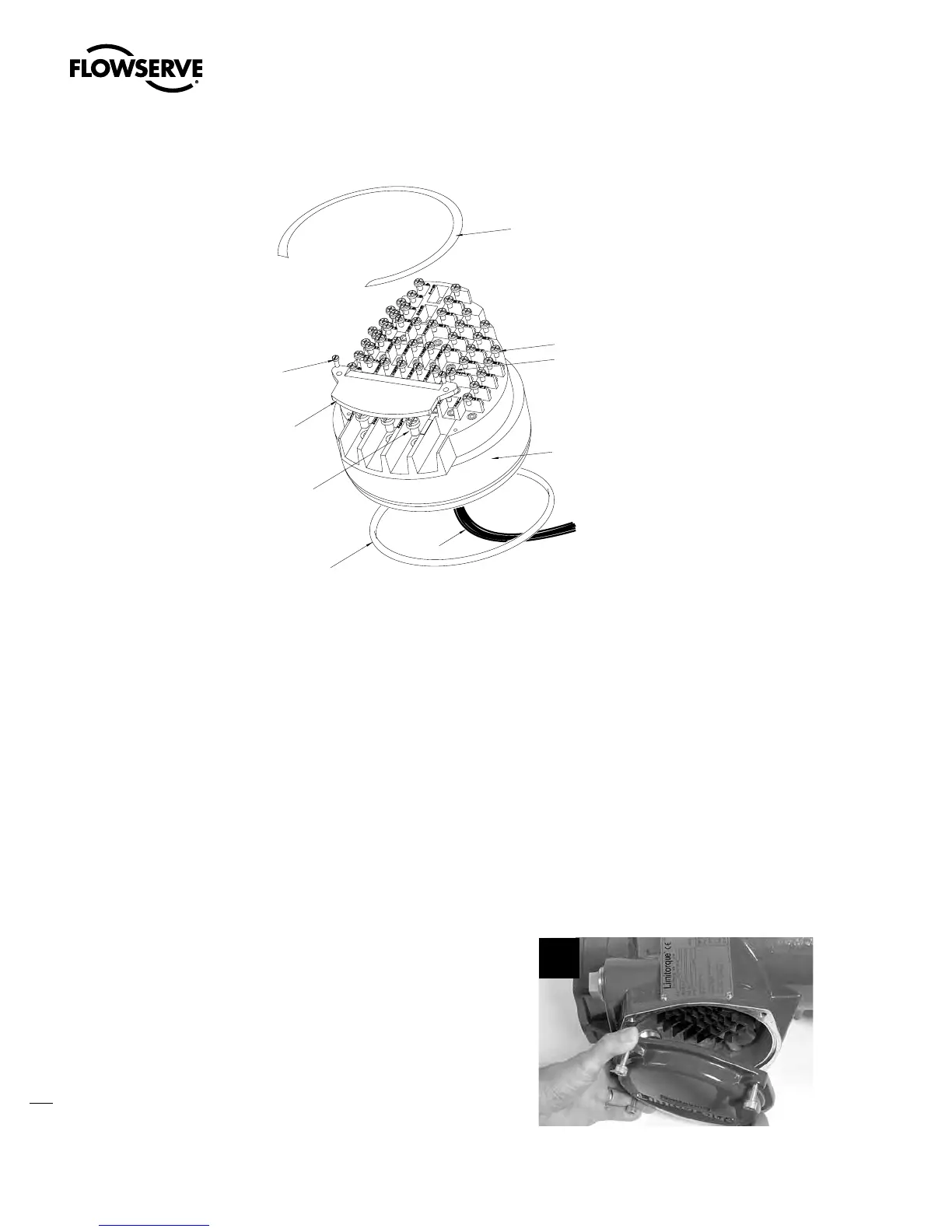
Figure 5.12 – Terminal Block
5.8.1 Removal
a
CAUTION: Potential to cause electrostatic damage to electronic components. Before handling
electronic components, ensure that you are discharged of static electricity by briefly touching a
grounded metal object.
First Remove
1. Control panel (subassembly #7). (See Section 5.1.)
2. Control module (subassembly #8). (See Section 5.2.1.)
STEP 1
c
WARNING: Hazardous Voltage! Turn off all power sources to actuator before removing
terminal block assembly. Power sources may include main power or control power.
Using an M6 hex key, remove the four M8
screws (#8-14) that mount the terminal
compartment cover to the actuator.
1
Swanson Flo | 800-288-7926 | www.swansonflo.com








 To Next Page