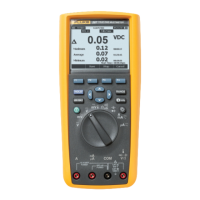
True-rms Digital Multimeters
Features
7
Understanding the Display
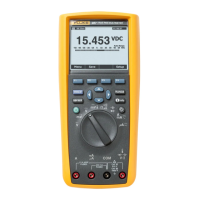
Display features shown in Figure 2 are described in Table 3 and
the following sections.
1
3
4
5
6
10
9
87 11 12
13
14
15
2
AutoHOLD
mVAC
Crest Factor
Hz60.000
Save Setup
Auto Range
5 mVDC
500 VAC0
8:10pm
06/13/07
123.45 VAC
100 200 300 400
AutoSAVEHOLDREL
123.45
16
est01.eps
Figure 2. Display Features
Table 3. Display Features
Item Function Indication
A
Softkey labels Indicates the function of the button
just below the displayed label.
B
Bar graph Analog display of the input signal
(See the “Bar Graph” section for
more information).
C
Relative Indicates the displayed value is
relative to a reference value.
D
Minus sign Indicates a negative reading.
E
Lightning bolt Indicates hazardous voltage present
at the Meter’s input.
F
Remote
communication
Indicates activity over the
communication link.
G
Battery level Indicates the charge level of the six
AA batteries.
H
Time Indicates the time set in the internal
clock.
I
Mode
annunciators
Indicates the Meter’s mode.




 To Next Page