Controller Operation
Serial Interface Parameters 9
9-15
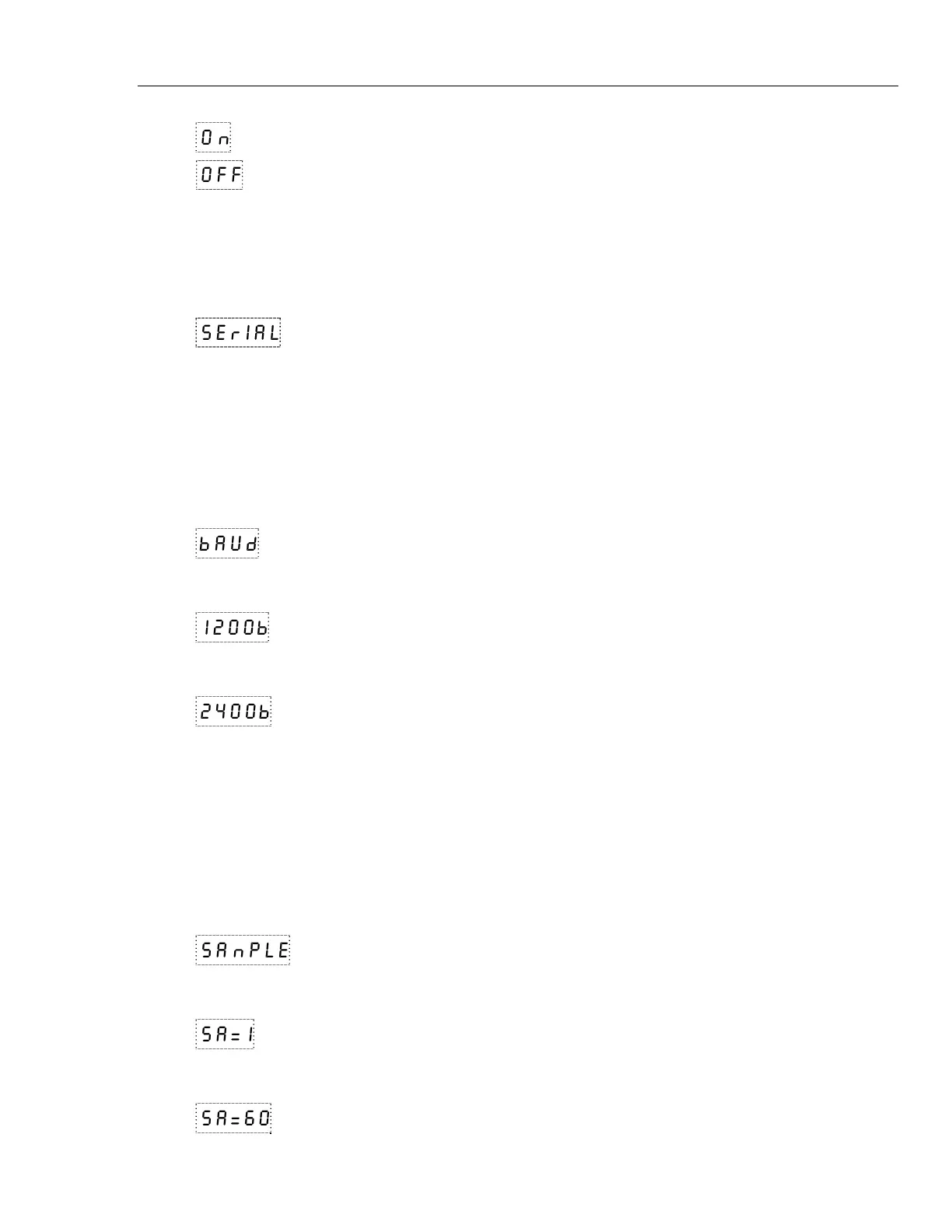
On
HGb mode set to on
OFF
HGb mode set to o
f
Serial Interface Parameters
The serial interface menu is accessed by pressing “UP” from the operating parameters
menu.
The serial RS-232 interface parameters menu is indicated by,
SErIAL
Serial RS-232 interface parameters menu
The serial interface parameters menu contains parameters which determine the operation
of the serial interface. The parameters in the menu are—baud rate, sample period, duplex
mode, and linefeed.
Baud Rate
The baud rate is the first parameter in the menu. The baud rate setting determines the
serial communications transmission rate.
The baud rate parameter is indicated by,
bAUd
Serial baud rate parameter
Press “SET” to choose to set the baud rate. The current baud rate value will then be
displayed.
1200b
Current baud rate
The baud rate of the bath serial communications may be programmed to 300, 600, 1200,
or 2400 baud. Use “UP” or “DOWN” to change the baud rate value.
2400b
New baud rate
Press “SET” to set the baud rate to the new value or “EXIT” to abort the operation and
skip to the next parameter in the menu.
Sample Period
The sample period is the next parameter in the serial interface parameter menu. The
sample period is the time period in seconds between temperature measurements
transmitted from the serial interface. If the sample rate is set to 5, the bath transmits the
current measurement over the serial interface approximately every five seconds. The
automatic sampling is disabled with a sample period of 0. The sample period is indicated
by,
sanpLe
Serial sample period parameter
Press “SET” to choose to set the sample period. The current sample period value will be
displayed.
sa=1
Current sample period (seconds)
Adjust the value with “UP” or “DOWN” and then use “SET” to set the sample rate to the
displayed value.
sa=60
New sample period


 To Next Page