7341
Users Guide
9-16
Duplex Mode
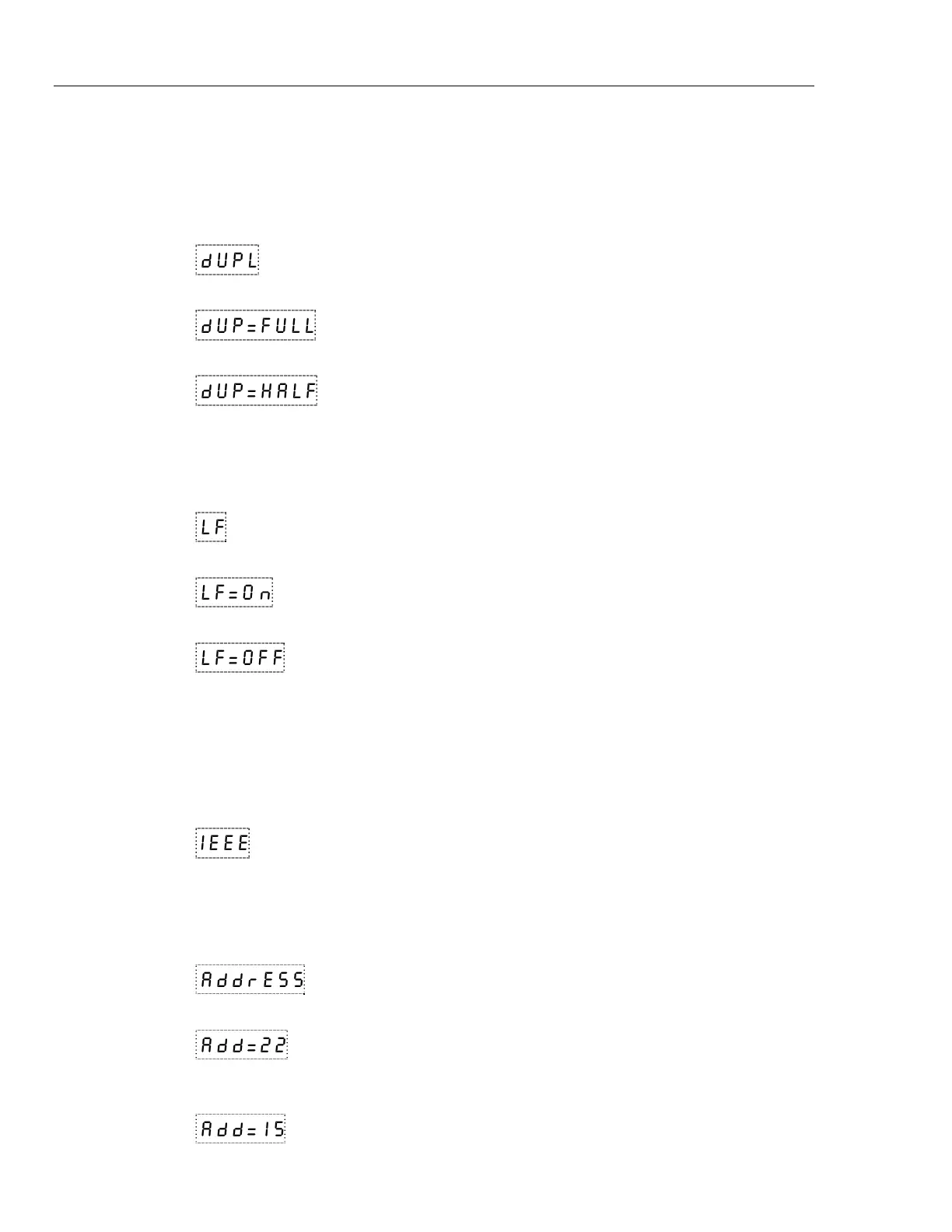
The next parameter is the duplex mode. The duplex mode may be set to full duplex or
half duplex. With full duplex, any commands received by the bath via the serial interface
are executed and immediately echoed or transmitted back to the device of origin. With
half duplex, the commands are executed but not echoed. The duplex mode parameter is
indicated by,
dUPL
Serial duplex mode parameter
Press “SET” to access the mode setting.
dUP=FULL
Current duplex mode setting
The mode may be changed using “UP” or “DOWN” and pressing “SET”.
dUP=HALF
New duplex mode setting
Linefeed
The final parameter in the serial interface menu is the linefeed mode. This parameter
enables (on) or disables (off) transmission of a linefeed character (LF, ASCII 10) after
transmission of any carriage-return. The linefeed parameter is indicated by,
LF
Serial linefeed parameter
Press “SET” to access the linefeed parameter.
LF=On
Current linefeed setting
The mode may be changed using “UP” or “DOWN” and pressing “SET”.
LF=OFF
New linefeed setting
IEEE-488 Parameters
Baths may optionally be fitted with an IEEE-488 GPIB interface. In this case the user
may set the interface address and the transmission termination character within the IEEE-
488 parameter menu. This menu does not appear on baths not fitted with the interface.
The menu is accessed by pressing “UP” from the serial parameter menu. The menu is
indicated by,
IEEE
IEEE-488 parameters menu
Press “SET” to enter the menu.
IEEE-488 Address
The IEEE-488 interface must be configured to use the same address as the external
communicating device. The address is indicated by,
AddrEss
IEEE-488 interface address
Press “SET” to access the address setting.
Add=22
Current IEEE-488 interface address
Adjust the value with “UP” or “DOWN” and then use “SET” to set the address to the
displayed value.
Add=15
New IEEE-488 interface address


 To Next Page