8270A/8370A
Operators Manual
44
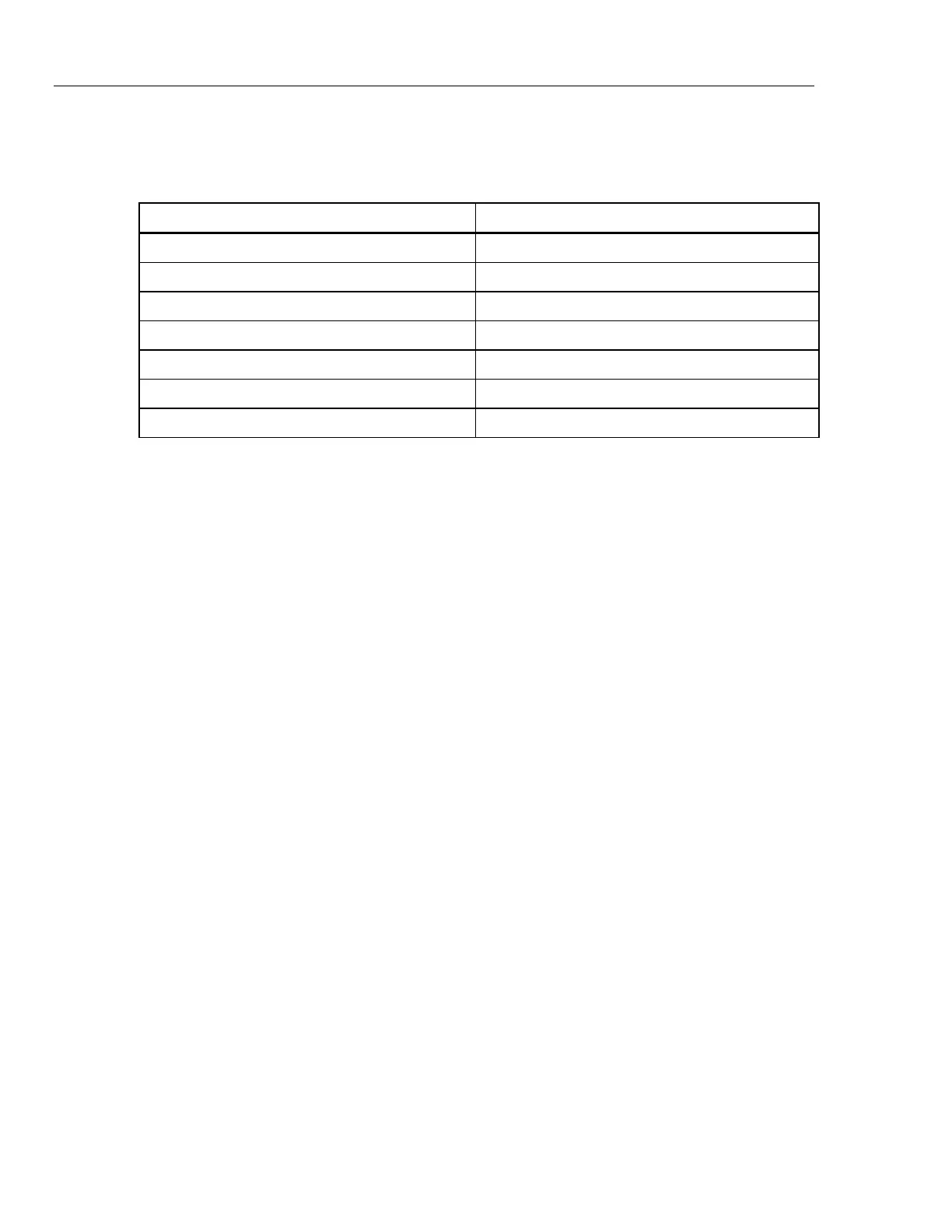
Table 17 lists the maximum reference measurement uncertainty required for
zeroing to maintain published specifications.
Table 17. Maximum Reference Measurement Uncertainty
Model Maximum Measurement Uncertainty [±]
PM500-A120K 0.0035 kPa (26 mTorr)
PM500-A160K 0.0045 kPa (34 mTorr)
PM500-A200K 0.0025 kPa (19 mTorr)
PM500-A350K 0.0100 kPa (75 mTorr)
PM500-A700K 0.0245 kPa (184 mTorr)
PM500-A1.4M 0.050 kPa (0.0073 psi)
PM500-A2M 0.070 kPa (0.0102 psi)
PM500 Full Scale
700 kPa Absolute Zeroing
To zero the PM500:
1. Open the Module Bay and install the PMM into any available slot.
2. Make sure the Product is on and properly warmed up.
3. On the Module Information screen (Setup Info>Module Information)
select
the appropriate slot number of the pressure module that you will zero. The
selected Slot menu opens.
4. Select Zero Module from the Slot menu.
5. Connect the vacuum sensor, vacuum source, bleed valve, and applicable
hardware and tubing to the Test Port of the Product. Figure 10 shows an
example setup. Connect the bleed valve as close to the vacuum pump as
possible and the reference vacuum sensor as close as possible to the test
port.
An optional 3-way ball valve can be installed at the test port (Figure 10). This
setup keeps the vacuum sensor in-situ with the ability to isolate the vacuum
sensor when not being used to zero PMMs. When the vacuum sensor is
isolated, the test port can be used for other processes.
W Caution
The ball valve and tee in the PK-PMM-ZERO kit are rated only to
20 MPa (3000 psi). Do not leave them connected to the TEST
port if the pressure to the TEST port will exceed 3000 psi.


 To Next Page