DPM2 Plus Digital Pressure Meter
Making Measurements
5
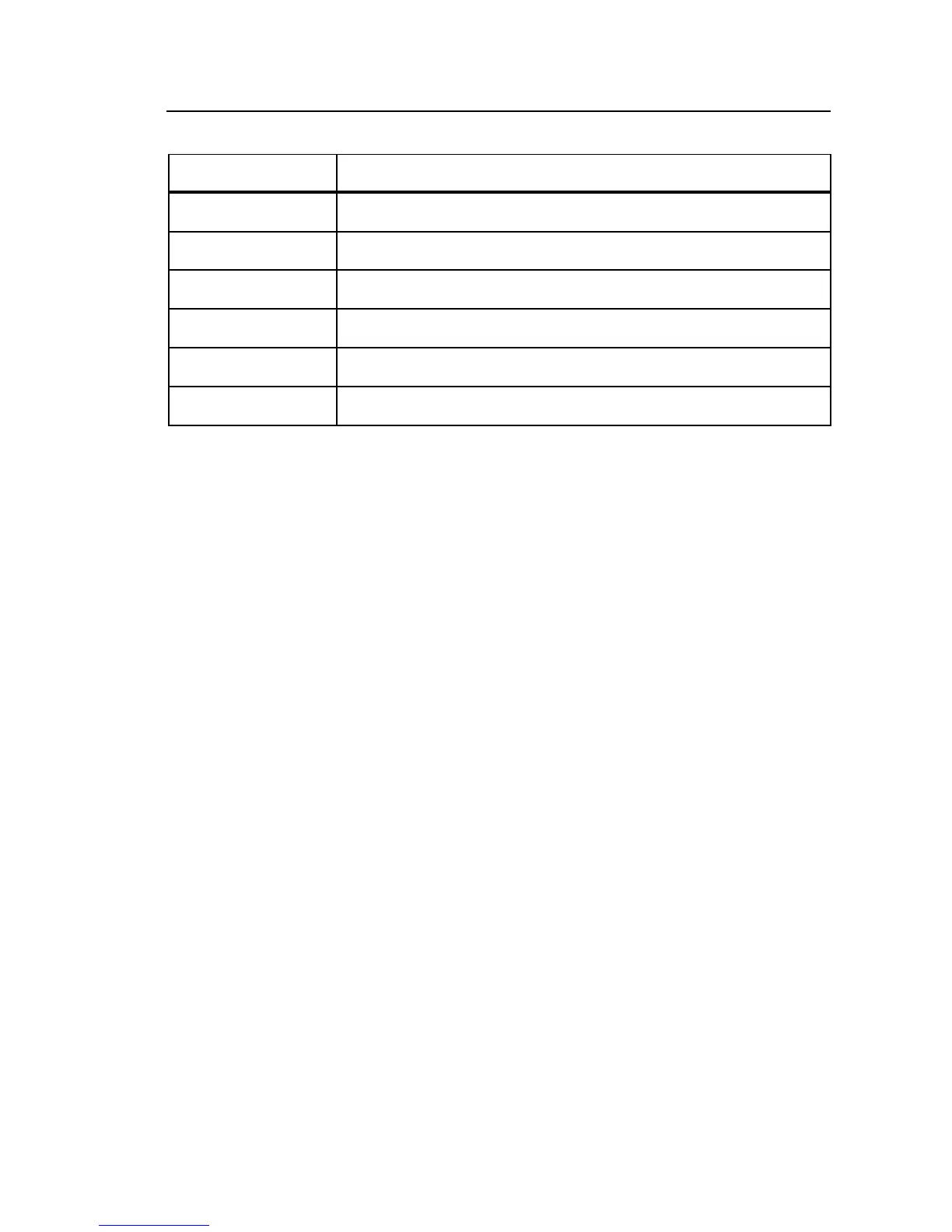
Table 1. Switch Positions
Switch Position Function
Off Turn off power to the Meter
mmHg Pressure from -698 to +802 millimeters of mercury
cmH
2
O Pressure from -949 to +1090 centimeters of water
inH
2
O Pressure from -374 to +429 inches of water
-13.5~15 psi Pressure from -13.5 to +15.50 pounds per square inch
-13.5 ~ 100 psi Pressure from -13.5 to +100 pounds per square inch
Making Measurements
The Meter has a large 0.5–inch liquid crystal display (LCD) to indicate the
pressure at the Luer-Lok input. This male Luer-Lok provides the external
connection for stopcocks or pressure fittings.
Note
It may take a few seconds for the display to settle to zero when the
Meter is initially turned on and vented to atmosphere.
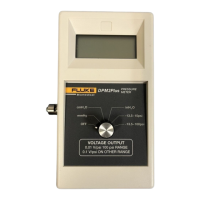
The Meter has five different range measurement units as indicated on the front
panel overlay in Figure 1. Two of the ranges measure psi, one of which allows
measurements of up to 100 psi. This selection option allows the operator
greater accuracy at lower psi ranges while maintaining the option to read
higher psi levels.
Zeroing
Select the desired range for the pressure measurements to be taken.
For best accuracy, make sure the pressure meter reads zero when vented to
atmosphere. Allow the Meter display to settle (due to changes in environment
it may take a few seconds for the display to read zero).
If the display will not read zero, use a small screwdriver to adjust the
potentiometer located on the side of the Meter until the display reads zero.








 To Next Page