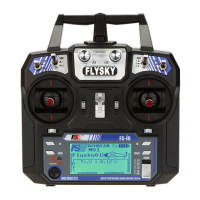
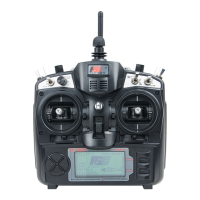
(Pic 21.53)
Setup:
Touch a channel to set its failsafe behavior. If activated, set the channel to the desired position using the corresponding channel
switch, knob, logic switch or stick then while maintaining that position, touch the back button. The position of the servo is then
memorized.
If multiple channel failsafe are activated, set the channels to the desired position using the corresponding channel switch, knob,
logic switch or stick then while maintaining that position, touch the back button. The position of the servo is then memorized.
The failsafe on the channel 2 (elevator) and channel 4(rudder) are activated and set to -100%.
(Pic 21.54)
Function Details :
This function is used to protect aircraft with parameters set in advance when
the receivers don't receive the signals.
Press failsafe function and it will display the current setting of 10 channels.
Off means that in case of a loss of signal, the corresponding servo will keep
its last received position.. The servo will move the position you preset . All
the channel is able to be set failsafe.
As shown in picture 21.53: Only CH2 Ele is set to -50% in case of a loss
of signal. The others will keep their previous position.
failsafe function:
(Pic 21.52)
http://www.flysky-cn.com
42



 To Next Page
 Loading...