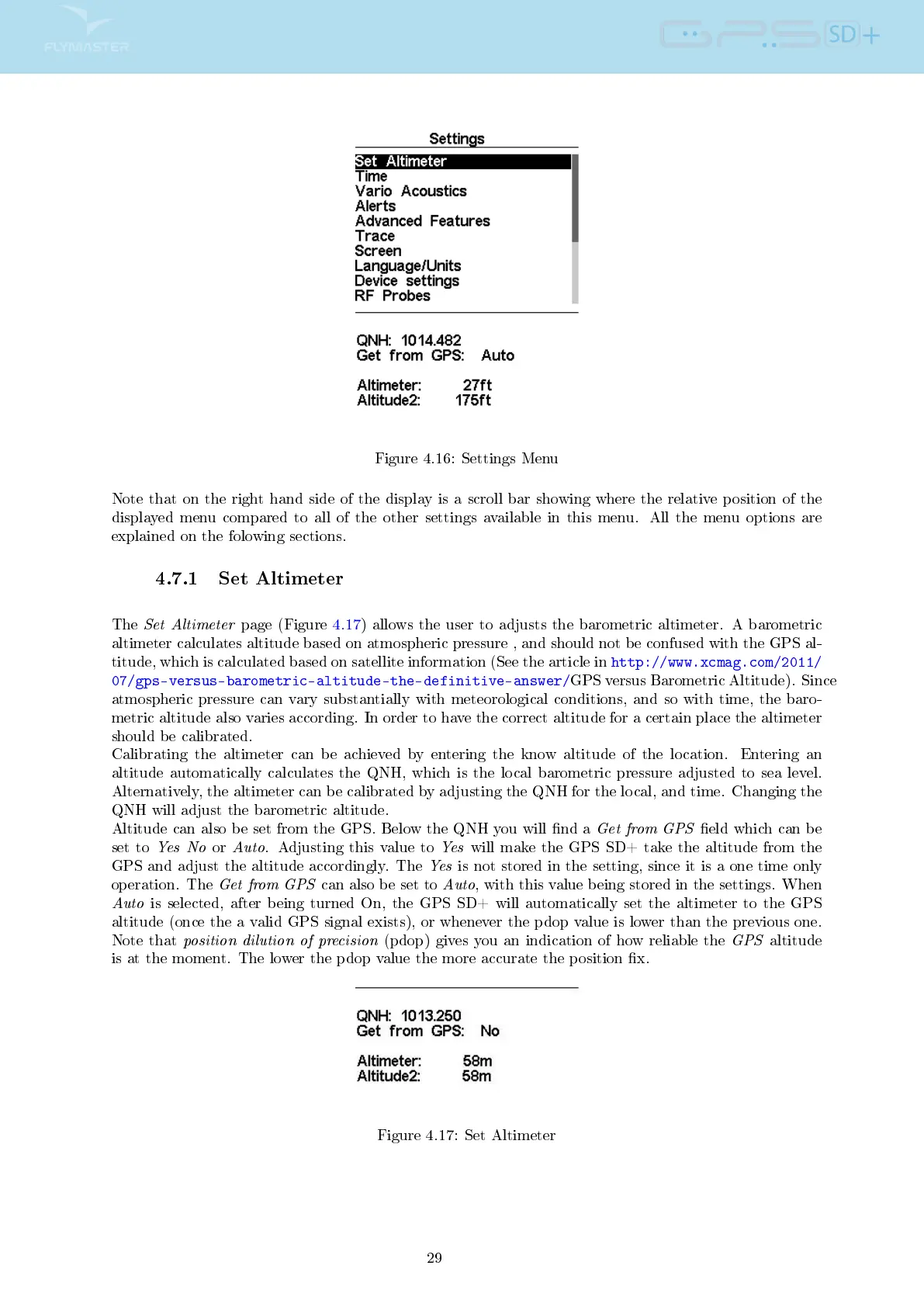
Figure 4.16: Settings Menu
Note that on the right hand side of the display is a scroll bar showing where the relative position of the
displayed menu compared to all of the other settings available in this menu. All the menu options are
explained on the folowing sections.
4.7.1 Set Altimeter
The
Set Altimeter
page (Figure 4.17) allows the user to adjusts the barometric altimeter. A barometric
altimeter calculates altitude based on atmospheric pressure , and should not be confused with the GPS al-
titude, which is calculated based on satellite information (See the article in
http://www.xcmag.com/2011/
07/gps-versus-barometric-altitude-the-definitive-answer/
GPS versus Barometric Altitude). Since
atmospheric pressure can vary substantially with meteorological conditions, and so with time, the baro-
metric altitude also varies according. In order to have the correct altitude for a certain place the altimeter
should be calibrated.
Calibrating the altimeter can be achieved by entering the know altitude of the location. Entering an
altitude automatically calculates the QNH, which is the local barometric pressure adjusted to sea level.
Alternatively, the altimeter can be calibrated by adjusting the QNH for the local, and time. Changing the
QNH will adjust the barometric altitude.
Altitude can also be set from the GPS. Below the QNH you will nd a
Get from GPS
eld which can be
set to
Yes No
or
Auto
. Adjusting this value to
Yes
will make the GPS SD+ take the altitude from the
GPS and adjust the altitude accordingly. The
Yes
is not stored in the setting, since it is a one time only
operation. The
Get from GPS
can also be set to
Auto
, with this value being stored in the settings. When
Auto
is selected, after being turned On, the GPS SD+ will automatically set the altimeter to the GPS
altitude (once the a valid GPS signal exists), or whenever the pdop value is lower than the previous one.
Note that
position dilution of precision
(pdop) gives you an indication of how reliable the
GPS
altitude
is at the moment. The lower the pdop value the more accurate the position x.
Figure 4.17: Set Altimeter
29



 To Next Page