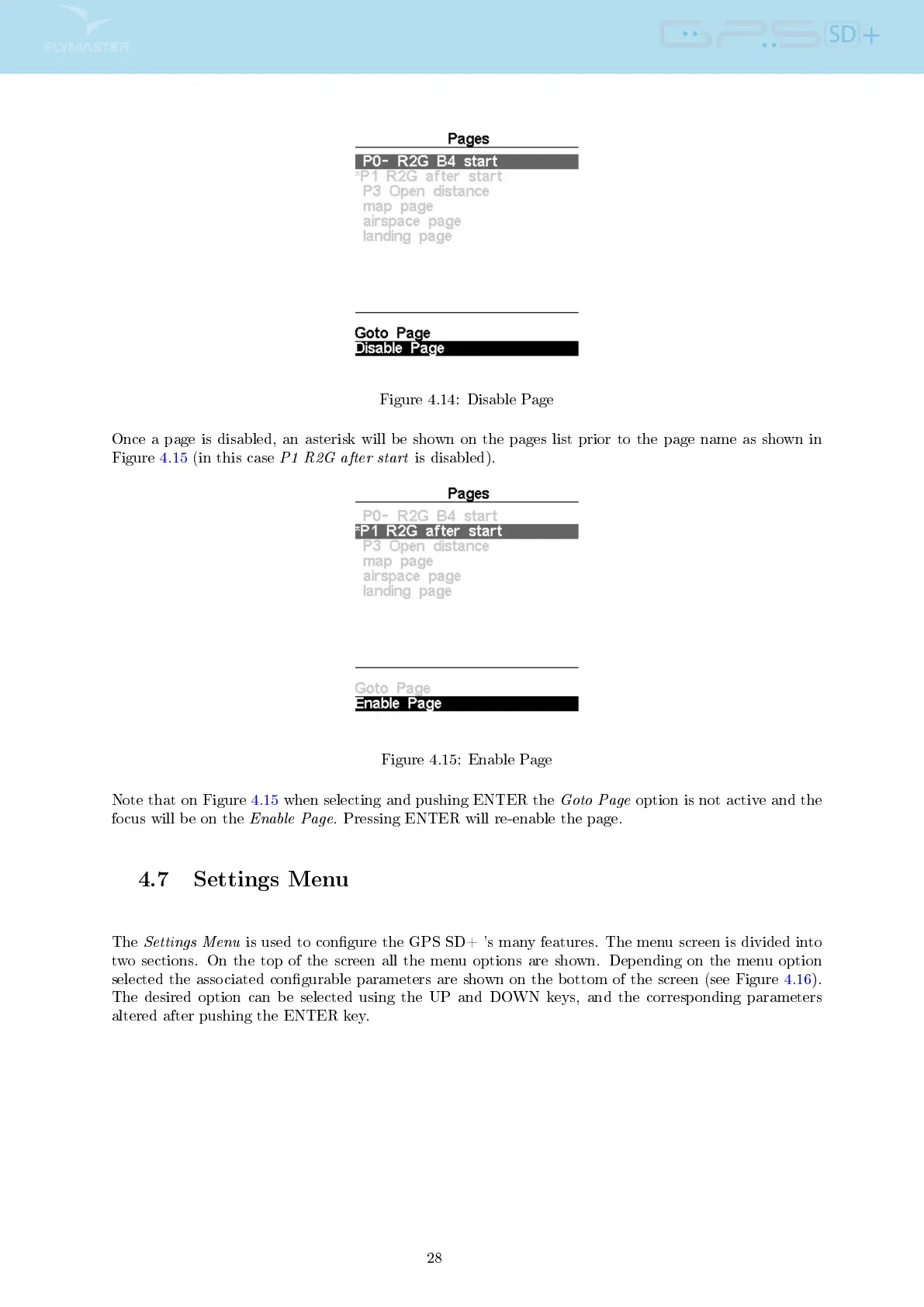
Figure 4.14: Disable Page
Once a page is disabled, an asterisk will be shown on the pages list prior to the page name as shown in
Figure 4.15 (in this case
P1 R2G after start
is disabled).
Figure 4.15: Enable Page
Note that on Figure 4.15 when selecting and pushing ENTER the
Goto Page
option is not active and the
focus will be on the
Enable Page
. Pressing ENTER will re-enable the page.
4.7 Settings Menu
The
Settings Menu
is used to congure the GPS SD+ 's many features. The menu screen is divided into
two sections. On the top of the screen all the menu options are shown. Depending on the menu option
selected the associated congurable parameters are shown on the bottom of the screen (see Figure 4.16).
The desired option can be selected using the UP and DOWN keys, and the corresponding parameters
altered after pushing the ENTER key.
28



 To Next Page