Memory capacity
The current rmware version can store up to 131000 points (without data from Flymaster accessories, like
HEART-G, or TASProbe), which equates to over 36 hours with a 1 second recording interval (obviously
if you set it to a 10 second recording interval you get 360 hours). See Section 4.7.2 on how to change the
interval.
Also important to understand is how the data is organised, there are 256 blocks of data which can handle
510 points each, as a ight grows it takes up these blocks, so each ight will occupy a multiple of 510
points, at an extreme example if you have 256 ights each with 1 second the memory will be full, and you
only have 256 seconds of ight data (this is obviously not a realistic scenario).
4.6 Pages
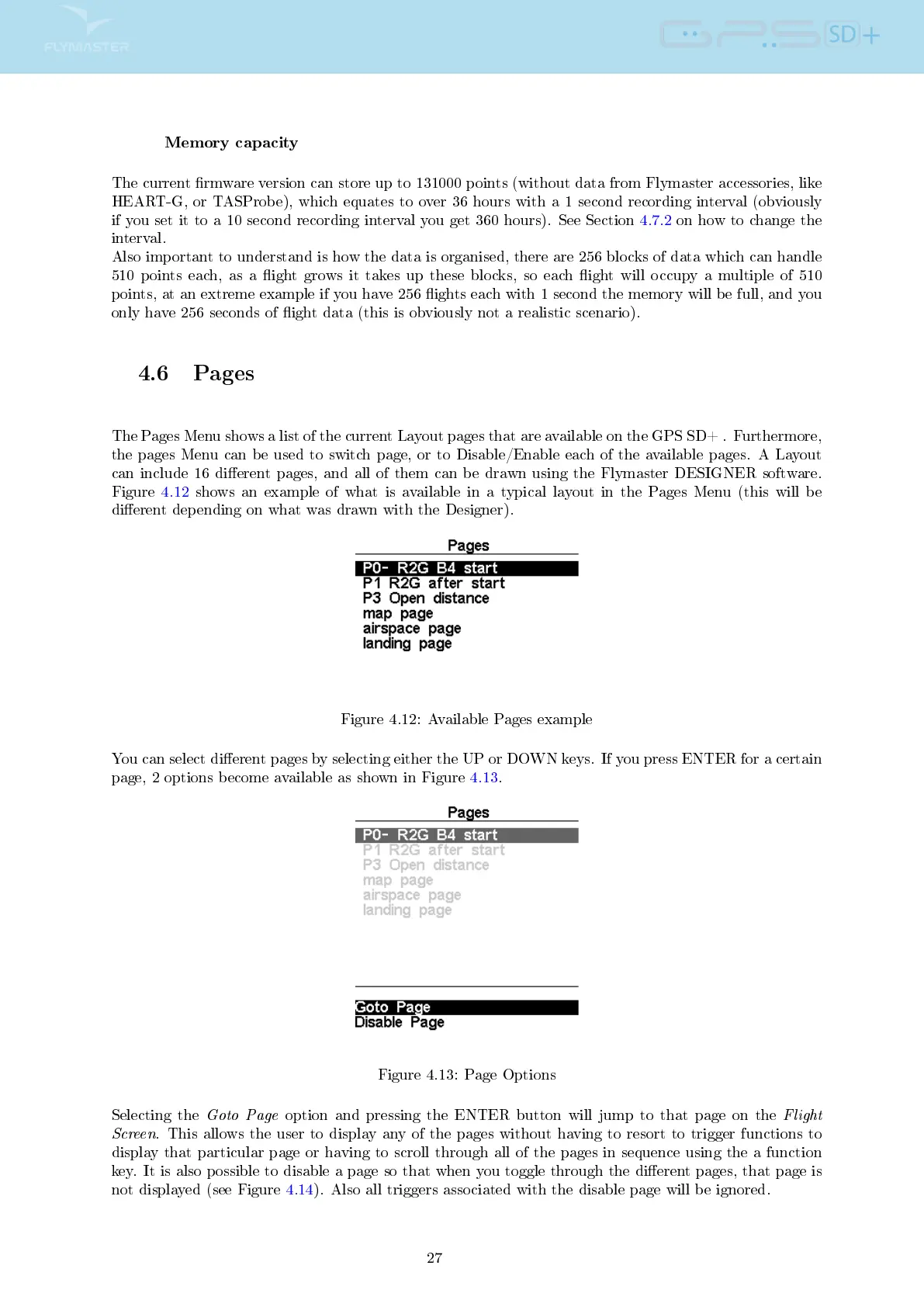
The Pages Menu shows a list of the current Layout pages that are available on the GPS SD+ . Furthermore,
the pages Menu can be used to switch page, or to Disable/Enable each of the available pages. A Layout
can include 16 dierent pages, and all of them can be drawn using the Flymaster DESIGNER software.
Figure 4.12 shows an example of what is available in a typical layout in the Pages Menu (this will be
dierent depending on what was drawn with the Designer).
Figure 4.12: Available Pages example
You can select dierent pages by selecting either the UP or DOWN keys. If you press ENTER for a certain
page, 2 options become available as shown in Figure 4.13.
Figure 4.13: Page Options
Selecting the
Goto Page
option and pressing the ENTER button will jump to that page on the
Flight
Screen
. This allows the user to display any of the pages without having to resort to trigger functions to
display that particular page or having to scroll through all of the pages in sequence using the a function
key. It is also possible to disable a page so that when you toggle through the dierent pages, that page is
not displayed (see Figure 4.14). Also all triggers associated with the disable page will be ignored.
27



 To Next Page