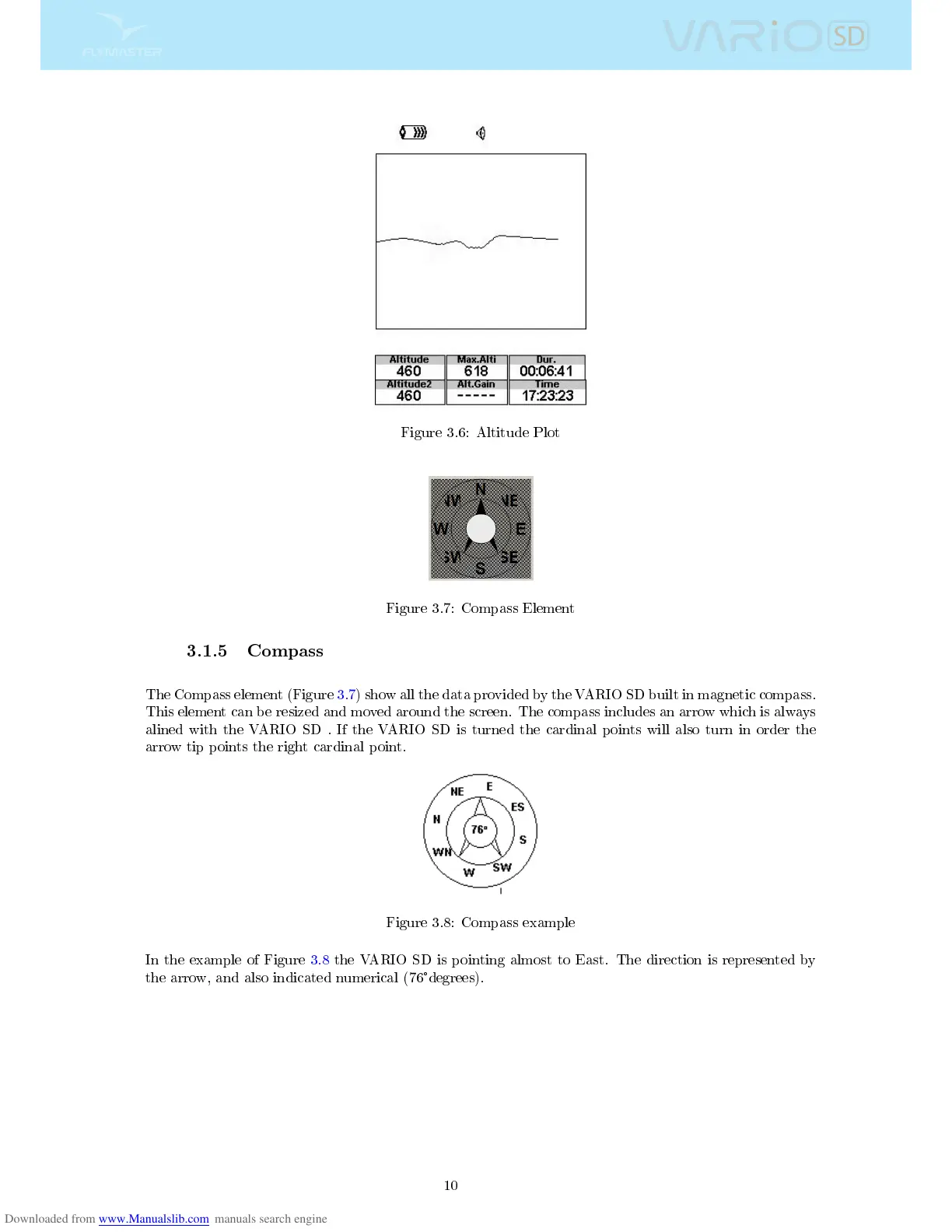
Figure 3.6: Altitude Plot
Figure 3.7: Compass Element
3.1.5 Compass
The Compass element (Figure 3.7) show all the data provided by the VARIO SD built in magnetic compass.
This element can be resized and moved around the screen. The compass includes an arrow which is always
alined with the VARIO SD . If the VARIO SD is turned the cardinal points will also turn in order the
arrow tip points the right cardinal point.
Figure 3.8: Compass example
In the example of Figure 3.8 the VARIO SD is pointing almost to East. The direction is represented by
the arrow, and also indicated numerical (76
°
degrees).
10



 To Next Page