Subtrim
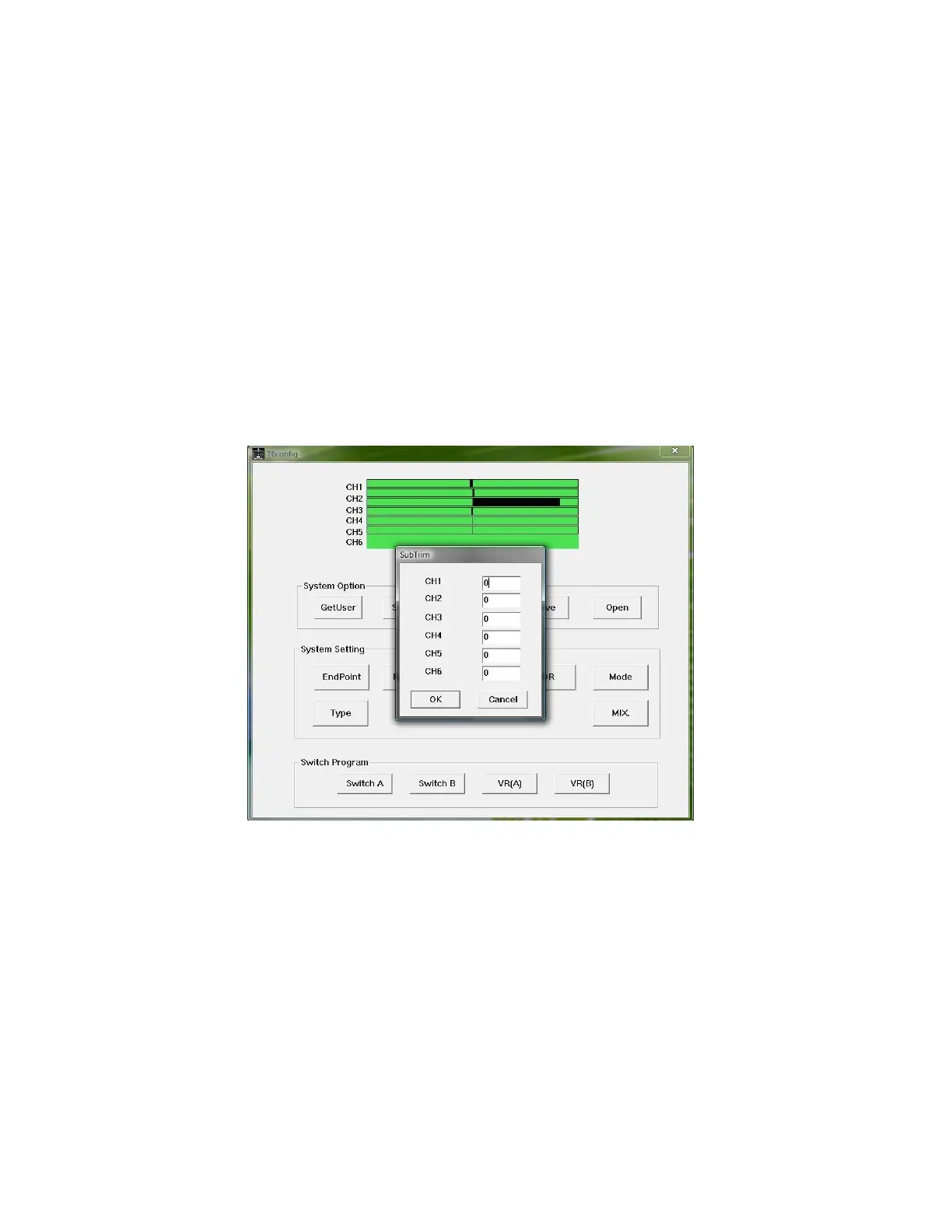
To adjust the subtrim of the Tx, click the “Subtrim” button. In the subtrim
window adjustments can be made for variations in your models trim while leaving
the trim tabs centered on the Tx (see illustration 9). This is easily performed after
you have your model trimmed for flight. You connect the Tx to T6config and copy
the amount of trim added by the trim tabs and enter it into the subtrim for that
channel. Then recenter the trim tabs. The subtrim can be set from 0 to 120%
Illustration 9: Subtrim window



 To Next Page