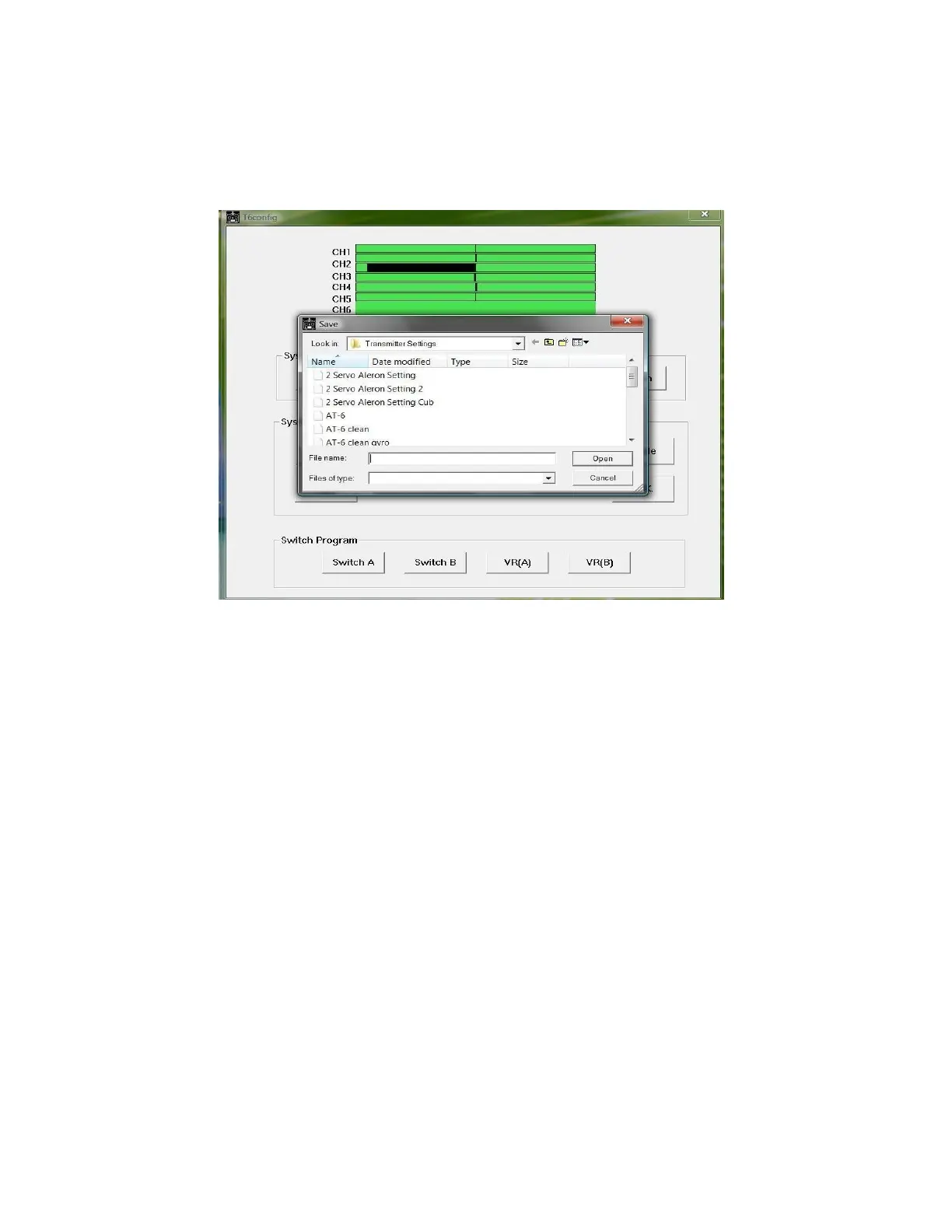
Illustration 2: Saving your settings in T6config
Once you have saved your default setting you can start programming the Tx
for your model. The first step will be to select the Tx mode you will be using. You
have a choice of Mode 1, Mode 2, Mode 3, and Mode 4 (see illustration 3). You
will make this selection in regards to the geographical region where you reside. In
the USA most users select “Mode 2”. It is important to select the mode most
commonly used in your area.



 To Next Page