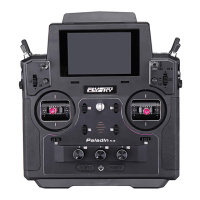
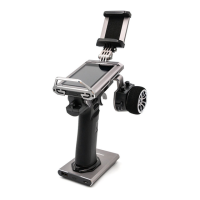
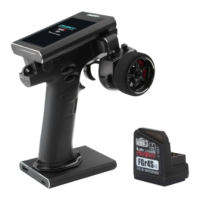
Main Screen Introduction
[11]
[12]
[13]
[1]
[2]
[7]
[3]
[5]
[8]
[9]
[15]
[14]
[16]
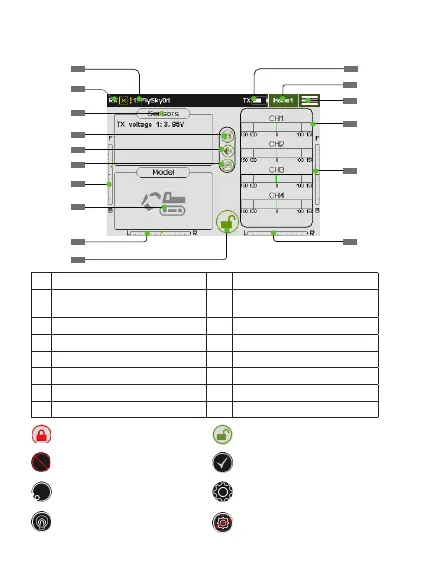
[1] Model Name [9] TR5 Trim Value
[2]
Binding Indicate/ Signal
Strength
[10] Lock/Unlock
[3] Sensor [11] Transmitter Power
[4] Work Mode [12] Home Page
[5] Vioce [13] Function Menu Icon
[6] vibration [14] Channel Display
[7] TR3 Trim Value [15] TR4 Trim Value
[8] Model Type [16] TR6 Trim Value
[5]
[10]
Indicates that the screen is
locked
Indicates that the screen is
unlocked
Function Disabled Function Enabled
Touch to restore functions
default settings
Touch to enter function menu
Click to assign controls such
as switches
Click to set the curve type
[6]
[4]


 To Next Page