3
3
1.Introduction
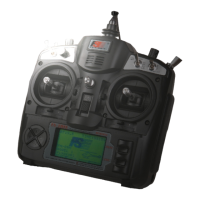
This simulator includes 6-channel and 8-channel editions. It is compatible with FMS, XTR5.0, PhoenixRC, G7 and
other simulator software. The simulator is also compatible with 32-bit or 64-bit XP, WIN10, and so on. It is adaptable
to xed-wing aircraft, helicopters, gliders and other models. The simulator supports gimbal assembly swapping.
This simulator features good control precision of stick. By using this simulator, you can simulate the real control
model operations and related function settings, and get familiar with some dicult operation practice of the model.
As a result, you can experience the ying fun.
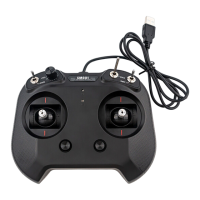
1.1 Simulator Overview
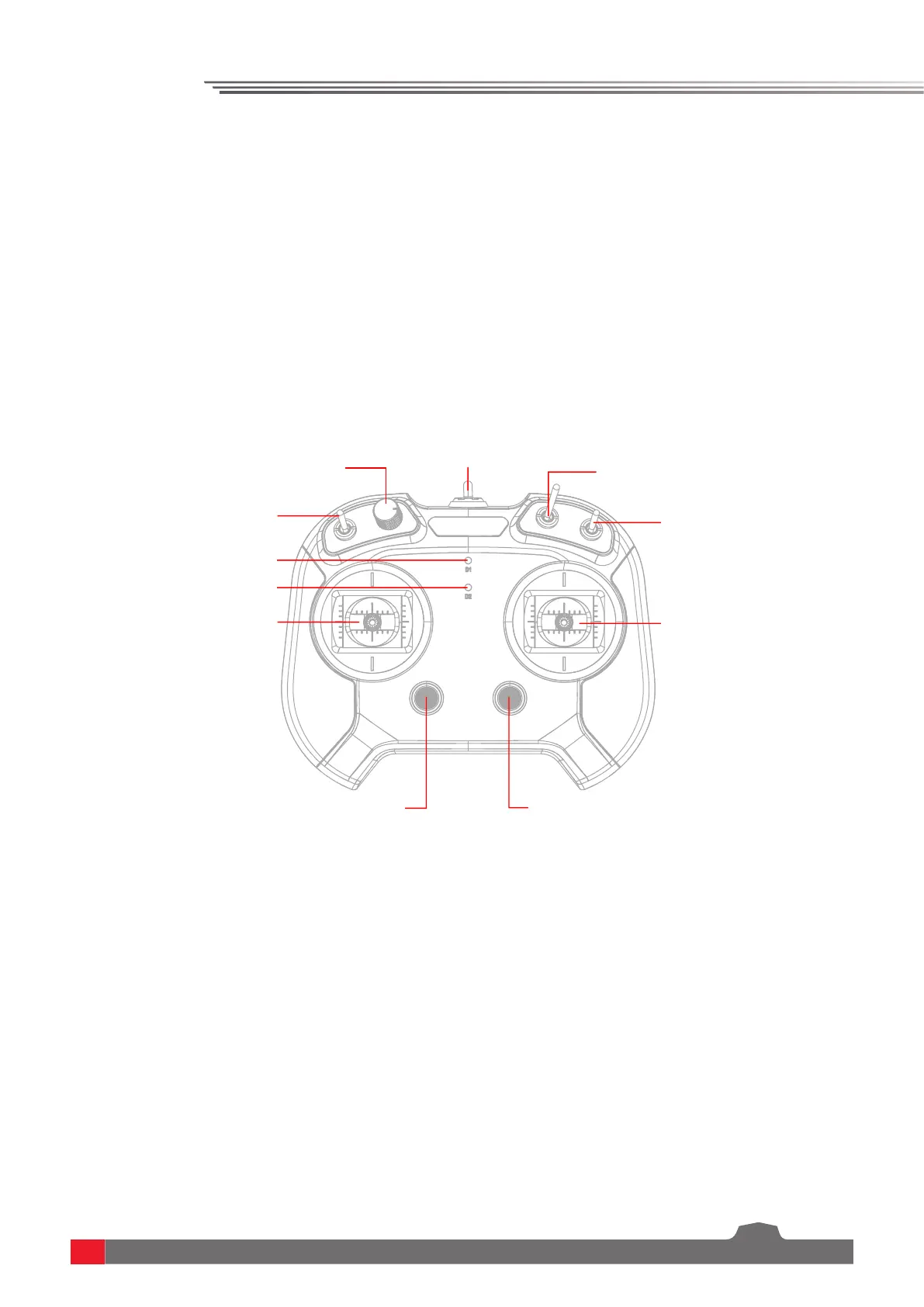
SWB Switch
CH7
Left Five-way Button
Trim
VRA Knob
CH6
D1 LED
D2 LED
Left Gimbal Assembly
Right Gimbal Assembly
USB Cable
SWC Switch
CH8
Right Five-way Button
Trim
SWA Switch
CH5
Note: The SWB and SWC switches are for the simulator which includes 8-channel.


 To Next Page