Pre-amp Section
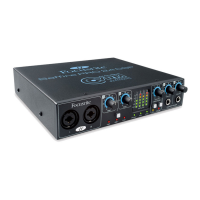
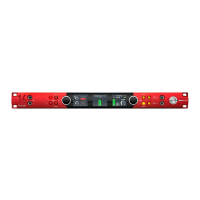
When connecting a microphone to the Safre PRO 24 DSP, you must connect an XLR cable to the combi inputs on the front panel.
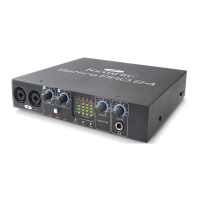
When connecting either Line level signal or Instrument signal to the combi inputs, you must select either Line or Inst from the
preamp section.
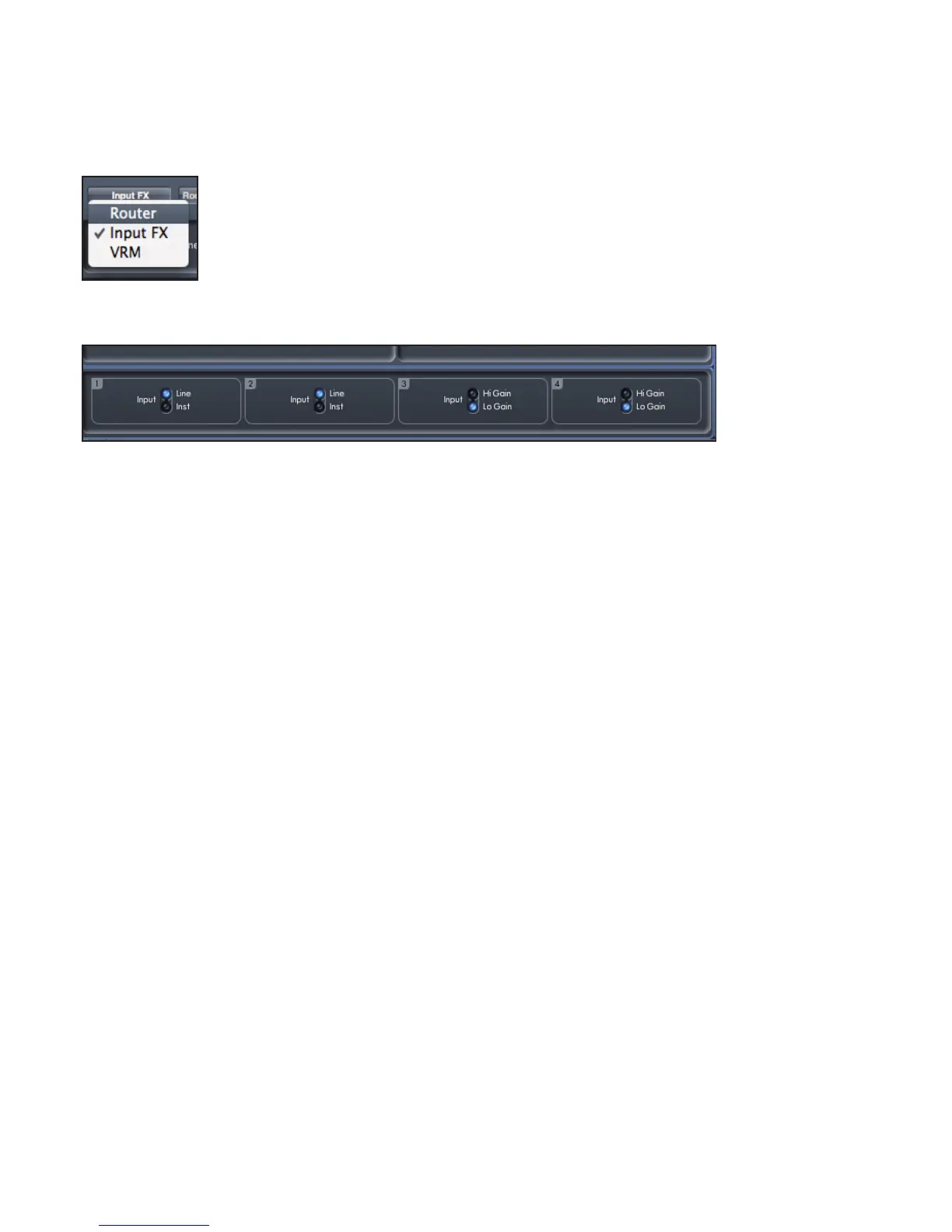
The pre-amp settings can be accessed by selecting Router from the panel selection drop down menu.
The panel display is split to display the routing output settings in the top half (see page 21), and the pre-amp settings in the bottom
half.
Additional Line level signals can be connected to inputs 3 and 4 on the rear of the unit. The Preamp gain for Inputs 3 and 4 can be set
to either Lo (low) or Hi (high) gain. The maximum input level before the signal will clip for each setting is as follows:
Low Gain: 0dBFS = +16dBu
High Gain: 0dBFS = -10dBV (~-6dBu)
Mixer Section
The Safre MixControl software includes a total of 8 mixes, each with a maximum of 16 channels in the mix. Up to 8 mono mixes or 4
stereo mixes, (or any combination of mono and stereo mixes) are available, making up a total of 8 mixers.
Each Mix can contain up to 16 of the possible 24 inputs signals, and each mix can be sent to any number of outputs.
Each mix shares the same source inputs, but all other mixer controls are independent in each mix.
The Mixer Section is used to create mixes for monitoring purposes. The mixes you create do not affect how the audio inputs are
routed to the DAW, nor does it affect the audio level of the signal to be recorded. What you set up in the mixer section of Safre
MixControl only affects what is heard in the outputs of the mix.
The recording levels that are sent to the DAW are therefore only affected by the input gain settings on the Safre PRO 24 DSP, not
the mixer.
The mixer section is useful for creating different simultaneous mixes. For example, you may wish to provide a headphone monitor
mix for the recording artist which is different to the mix heard in the monitor speakers.
The artist needs to hear mainly the backing track, and a little of the recorded input signal. The engineer needs to hear mainly the
recording artist’s signal and a little of the backing track.
A separate mix can be created for both artist and engineer with the exact levels desired. Each independent mix is created on a
different mix tab.




 To Next Page