7
Windows only:
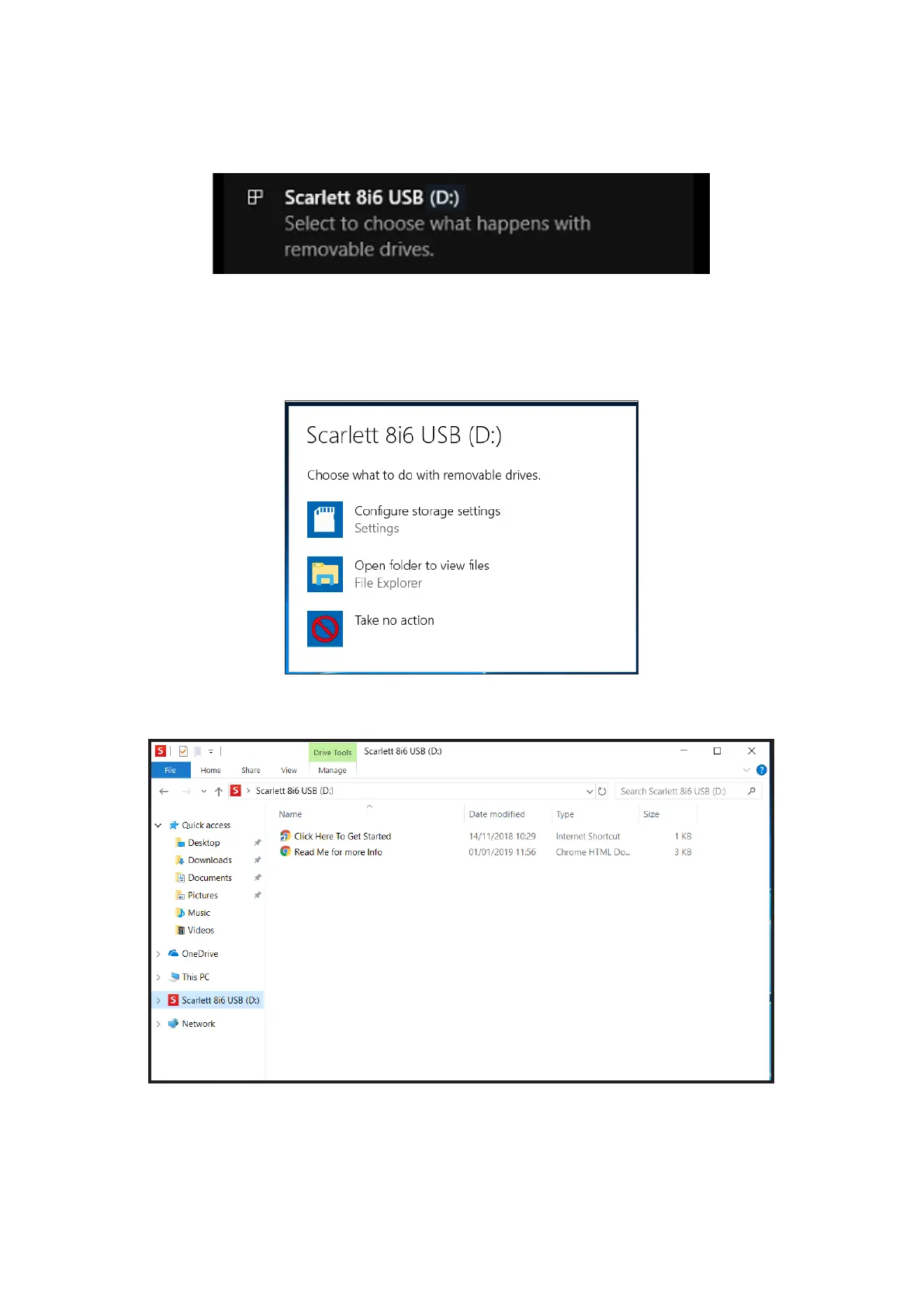
On connecting your Scarlett 8i6 to your PC, a Scarlett icon will appear on the desktop:
(Note that the drive letter may be something other than D:, depending on what other devices you
have connected to your PC).
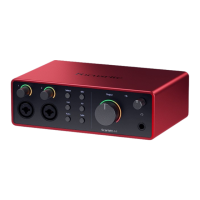
Double-click on the pop-up message to open the dialogue box shown below:
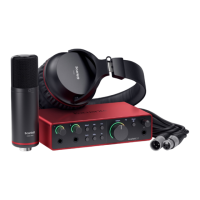
Double-click on “Open folder to view files”: this will open an Explorer window:
Double-click “Click Here to Get Started”.










 To Next Page