8
Double-click “Click Here to Get Started”. This will redirect you to the Focusrite website, where we
recommend you register your device:
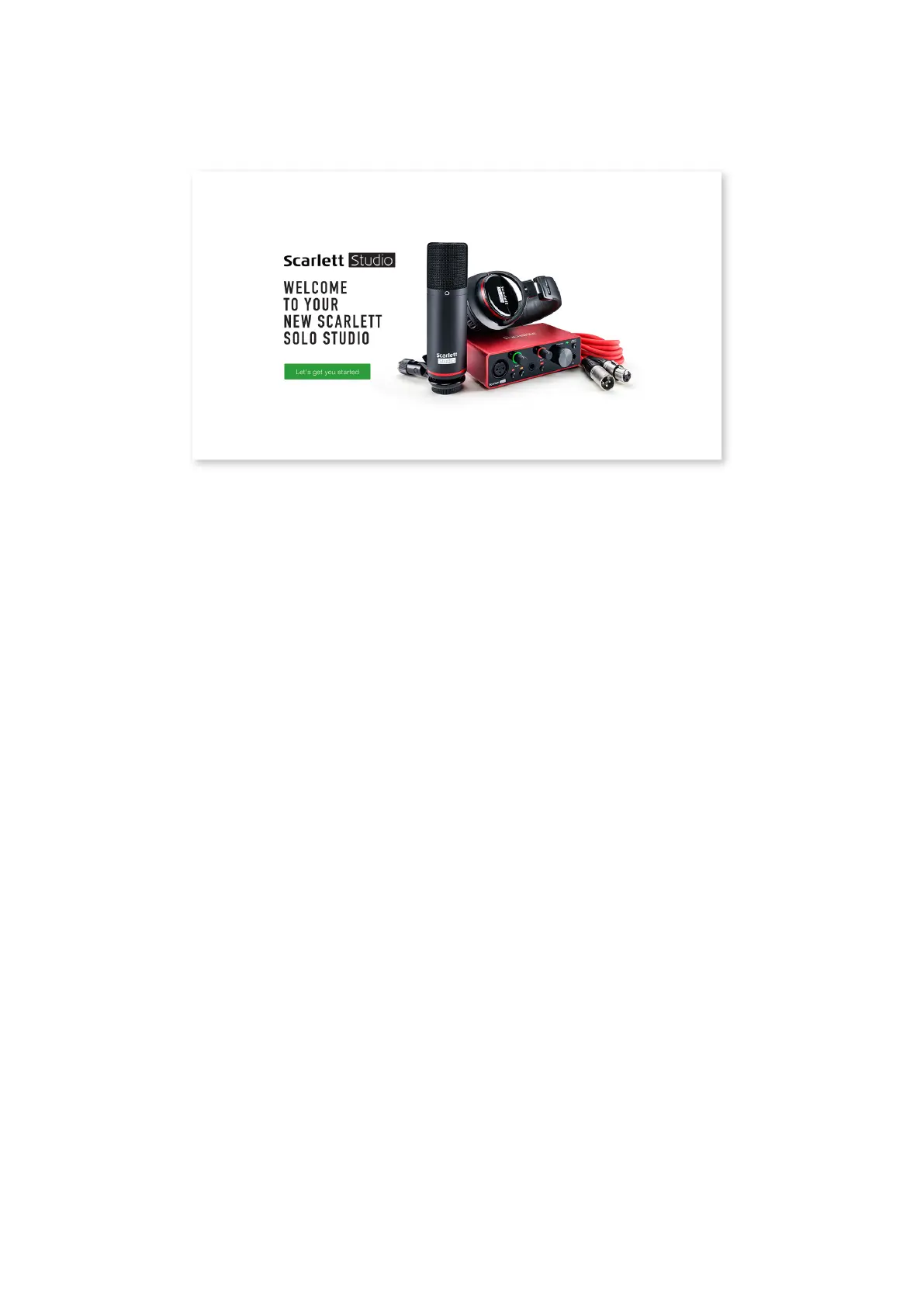
Click on “Let’s get you started”, and you’ll see a form which will be partly prelled for you automatically.
When you submit the form, you’ll see options to go straight to the downloads to get the software for
your Scarlett, or to follow a step by step setup guide based on how you want to use your Scarlett.
Once you have installed the Focusrite Control software to set up and congure your interface, the
Scarlett will be switched out of Easy Start mode so it no longer appears as a Mass Storage Device
when connected to your computer.
Your OS should switch the computer’s default audio inputs and outputs to be the Scarlett. To verify
this, right click on the Sound icon on the taskbar and select Sound Settings, and set the Scarlett
as the Input and Output Device.









 To Next Page