22
NOTE: you can download a VLC player to playback the video.
VLC player download link: https://www.videolan.org/
If you select ‘PC Camera’, you can use the PC camera to take
a photo.
How to turn off the recording sound
You can turn off the Recording function in the MENU setting.
How to manually lock the recording video
When the Dash Cam is recording, short press the MENU button to
lock the currently recorded video. (it will be locked and not
overwritten by new video).
How to playback/ delete the videos on the dash cam?
Please confirm the dash cam is not recording, short press MODE
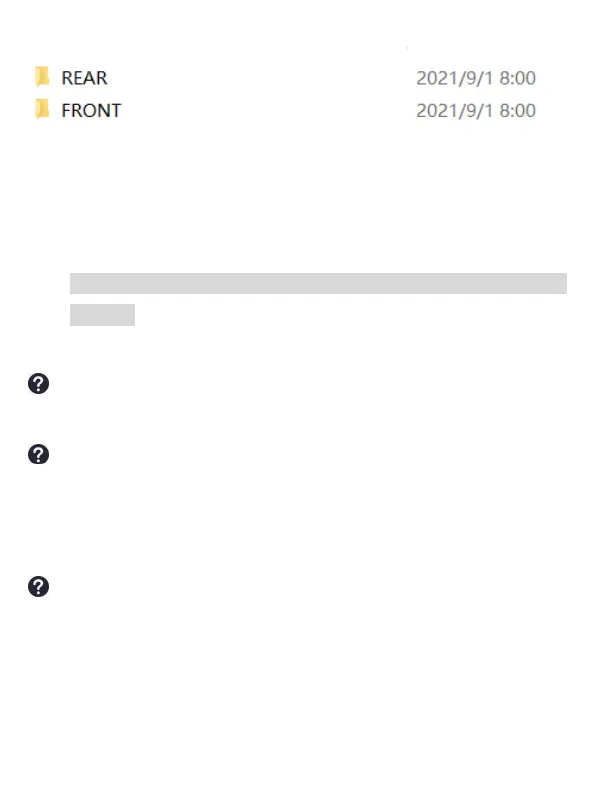
button twice to enter the video/photo folder. You can see two folders:
Folder 1 is front camera video and pictures
Folder 2 is inside camera video



 To Next Page