24
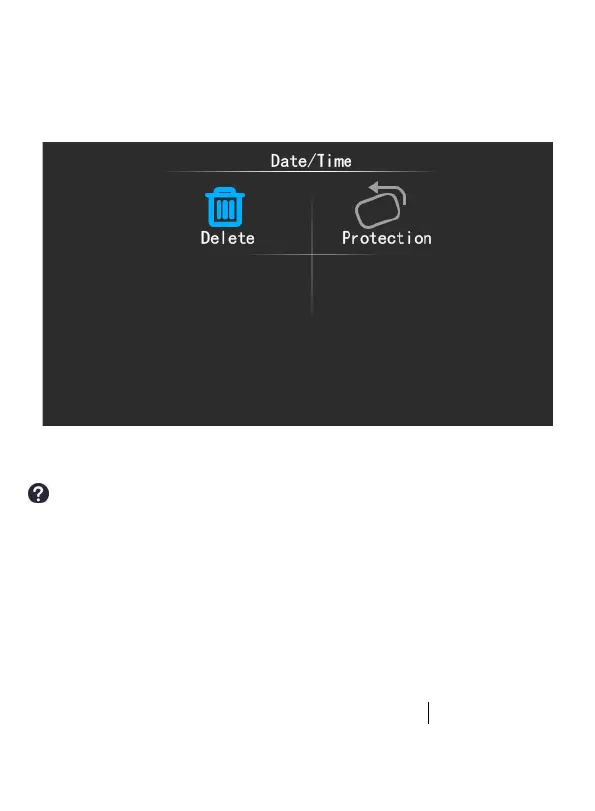
Press OK button to playback the video, then you can press MENU
button to select to delete/protect the current video. If you select
protection, this video will be locked.
How to set the date/time?
Find the Date/Time function and click OK to enter, you can set the
YEAR first, press UP or Down button to select the right year
number then press OK button to confirm and switch to the MONTH
setting, press UP or Down button to the correct year then press OK
button to confirm and switch to the DAY setting, set the time
according to such a cycle, press MENU button to back the home
page when you finish the setting.



 To Next Page