47
‘Mass Storage’ (NOTE: When connected to your computer
under ‘Mass Storage’ status, standard camera setup and
operations will be disabled; if you select ‘PC camera’, the dash
cam will be recognized by the Camera of your computer instead
of Storage, you can use your computer camera to take photo
through the M2 dash cam when under the ‘PC camera’ mode).
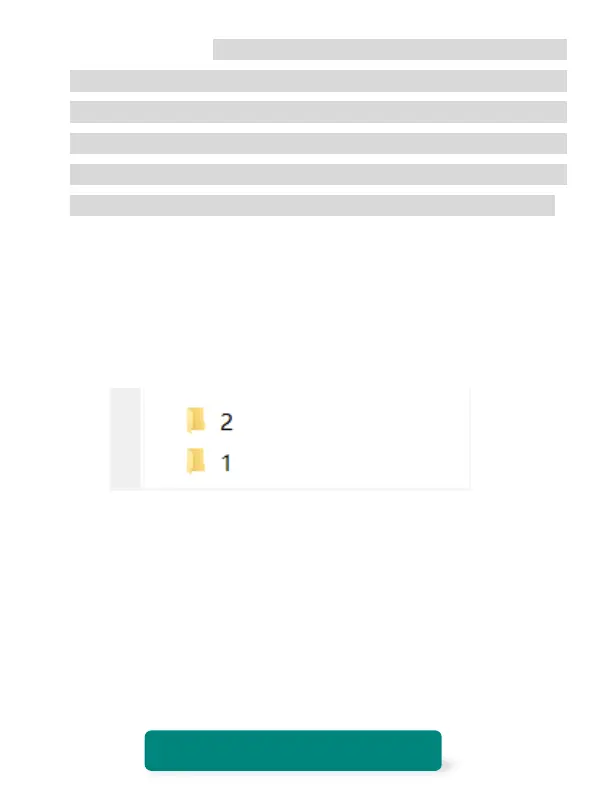
Select Mass Storage on the camera, then you can access the
SD card, you can see two folders in the Secondary directory:
Folder 1 saved the front camera video, Folder 2 saved the
inside camera video.
4) Select the video you want to see and open it by the WITCAM
pc version. If you don’t want to use the WITCAM player, please
search and download this player: VLC Player
NOTE:
WITCAM (If your PC is Windows) Compatible computer operation
system: Windows XP; Windows Vista; Windows 7; Windows 8 and
Windows 10.
TROUBLE SHOOTING



 To Next Page