46
NOTE: Since the WIFI transmission rate is limited so it will takes a
while to download the entire video by WIFI. You can also export the
video to your computer to check the videos.
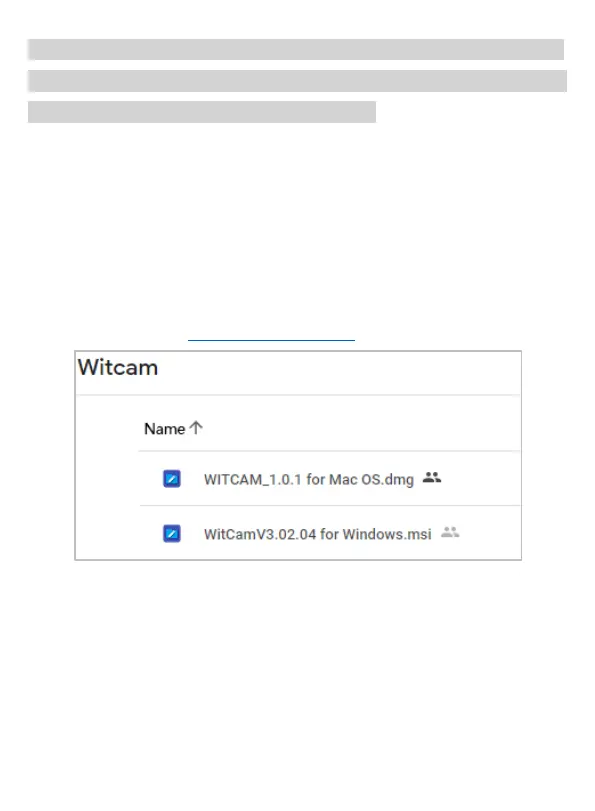
View on the PC: You can export the video to your computer and play
it using the ‘WITCAM’ PC Version.
WITCAM PC Version downloaded address:
Google cloud drive: https://bit.ly/3zh2aBb
Export the videos & photos to PC
1) Turn off the dash cam first. Connect the supplied USB
Connection Cable to the Mini USB Port on the side of the unit.
2) Connect the full size USB end of the cable to a USB Port on
the Computer.
3) The unit will automatically power on and display ‘PC Camera’



 To Next Page