27
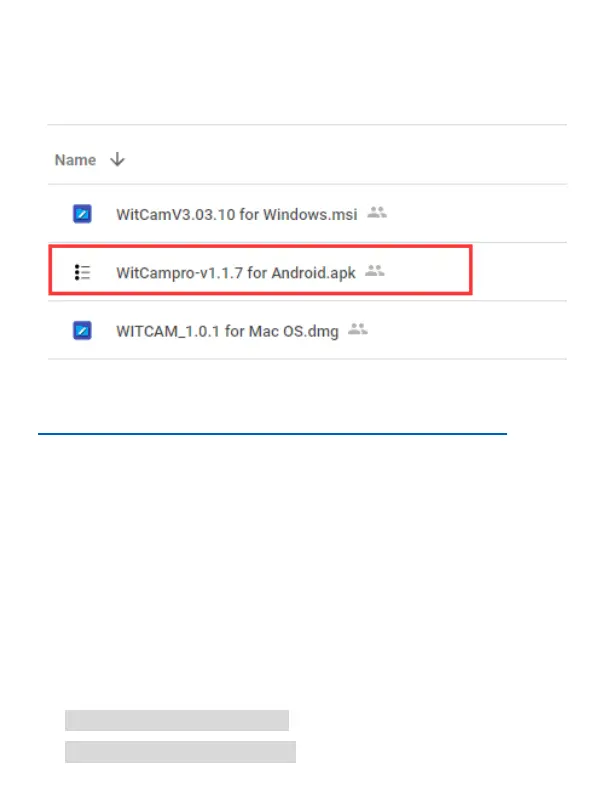
-Download APP “WitCam Pro” from Google Play.
-Download Apk file from Google cloud: https://bit.ly/3zh2aBb
How to install apps outside of Google-play:
https://www.nextpit.com/install-apps-outside-of-google-play
(Please use the second way to install App if you can’t find “WitCam
Pro” from Google Play)
IOS
-Download APP “WitCam” from App Store
Connect phone to M2
1. Turn on the WIFI function, it will show SSID name and password
on the screen, SSID name is like:
FOCUWAY-CARDV000b6,
Default Password: 12345678



 To Next Page