28
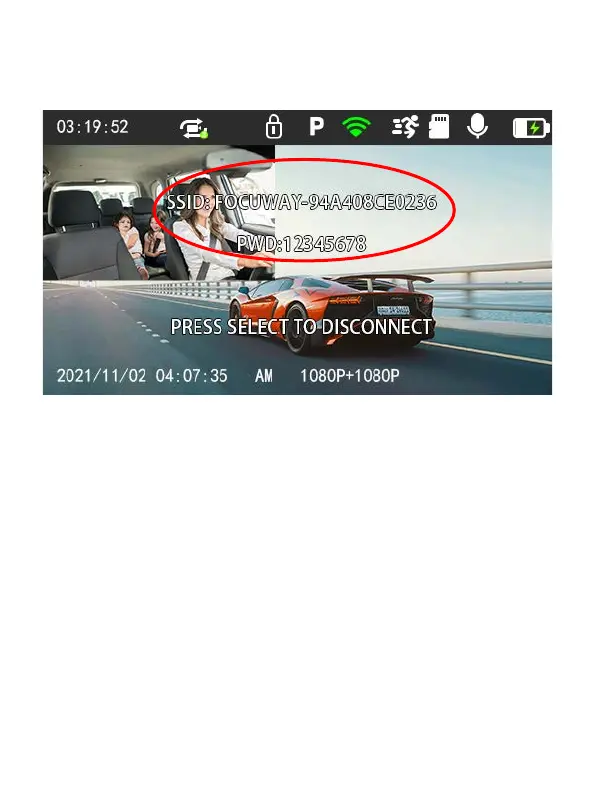
(Each device has a separate WIFI name, but all start with
FOCUWAY-)
2. Turn on the WIFI function of your smart phone, find SSID name,
input password, and connect WIFI.
-REMINDER: After you connect to the WIFI, Android smart phone
will have a prompt ‘the WLAN network has no internet access.
Connect anyway?’, please select ‘CONNECT’ otherwise you
cannot use the App well.
IOS smartphone doesn’t have this prompt.



 To Next Page