41
①. Please make sure that your phone is always connected to WIFI.
(Please note: If the phone screen shut down during the
download process, the camera’s WIFI connection may be
disconnected, so please keep the phone during the download
process. The screen keeps on);
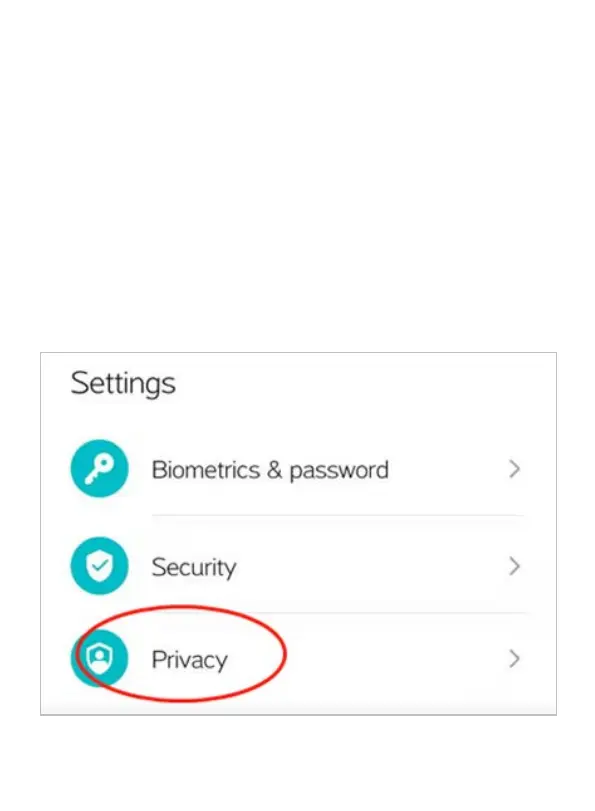
②. Please confirm that the Storage Permission of the APP is
allowed. The below shows how the Android phone and IOS
to set the permission of APP:
Android:
1



 To Next Page