C SERIES USER’S MANUAL
15
5.1.3 USB Driver Installation
For USB connection, you need to install the driver equipped with the cutter. Please
install CH341SER.EX file under USB DRIVER in the disk equipped with the cutter. After
installing successfully, connect the USB cable to computer USB port. Set the right port; please
refer to the appendix for setting the port.
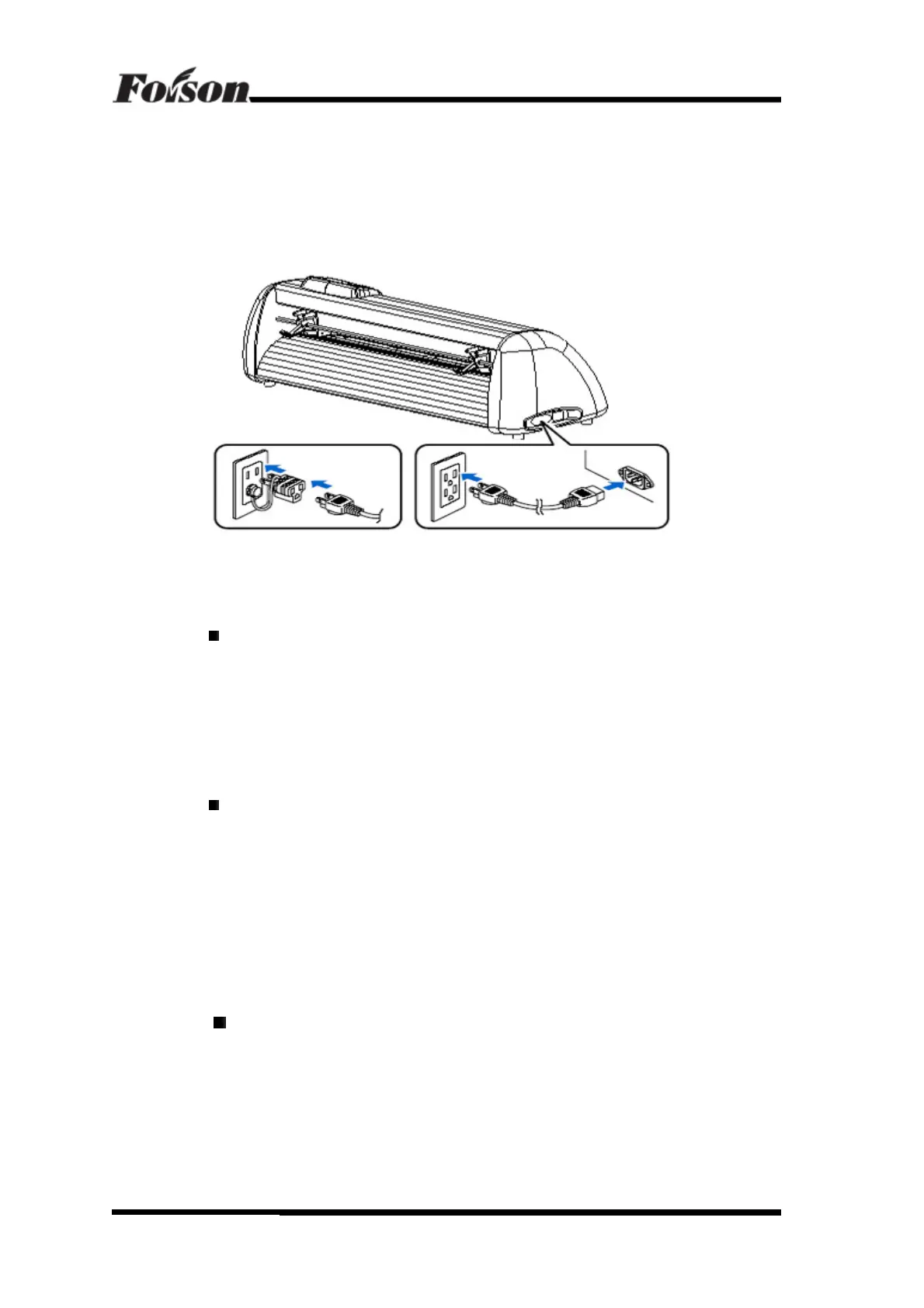
5.1.4 Power Cable Connection
5.2 Cutting Media Installation
Cautions of Media Preservation
- Keep the media away from direct sunlight and water when before and after unpacked.
You should keep the media in dry, shady and cool place after using it.
- Do not put the media in the vertical position, to avoid mess and damage the edge of
the media
- Do not print media in pile.
Cautions of Media Loading
- Avoid the temperature and humidity changes after unpack the box.
- According to the media feature, when low temperature, media is easy to curl, when
high temperature, it is easy to crease.
- Do not use the media when it is crease, curl or dusty.
- Do not fall or moisturize the media, otherwise it may effects the cutting quality or
result in damaging the cutter.
- Before loading the media, you should roll the media.
The cutter is both suitable for single sheet media and roll media
5.2.1 Press down the handle of paperweight wheel behind the machine to raise the
paperweight wheel.
USB Driver Installation



 To Next Page