C SERIES USER’S MANUAL
42
Appendix 3
Port Setting and Replacement
After the USB driver is well-installed, switch on the cutter, the computer will indicate that new
device was found and it will automatically install the driver for the cutter. Set the port parameter
according to the following way:
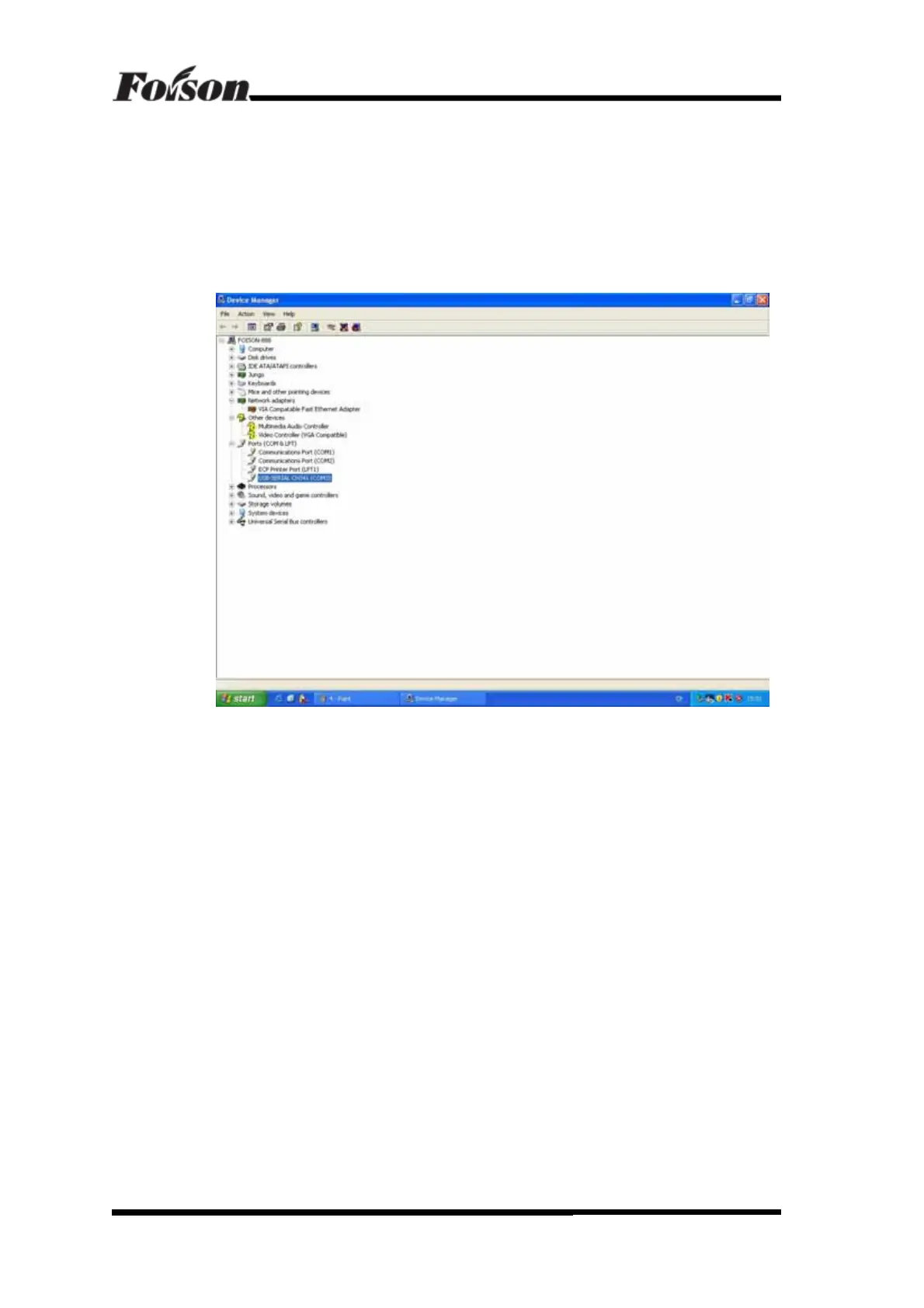
Select My Computer – (click the right button) – Properties – Hardware – Device Manager,
then you will see the followings:
In the figure it shows USB-SERIAL CH341(COM3). This is the USB port parameter.
Please note that select the correspondent. This is the USB port parameter. Please note that select
the correspondent port in the software.
If the software only has COM1 and COM2 selectable, please follow the following
instructions to change the port parameter:
1) Click the mouse’s right button and select Properties, shown as followings:
Port Setting and Replacement



 To Next Page