C SERIES USER’S MANUAL
39
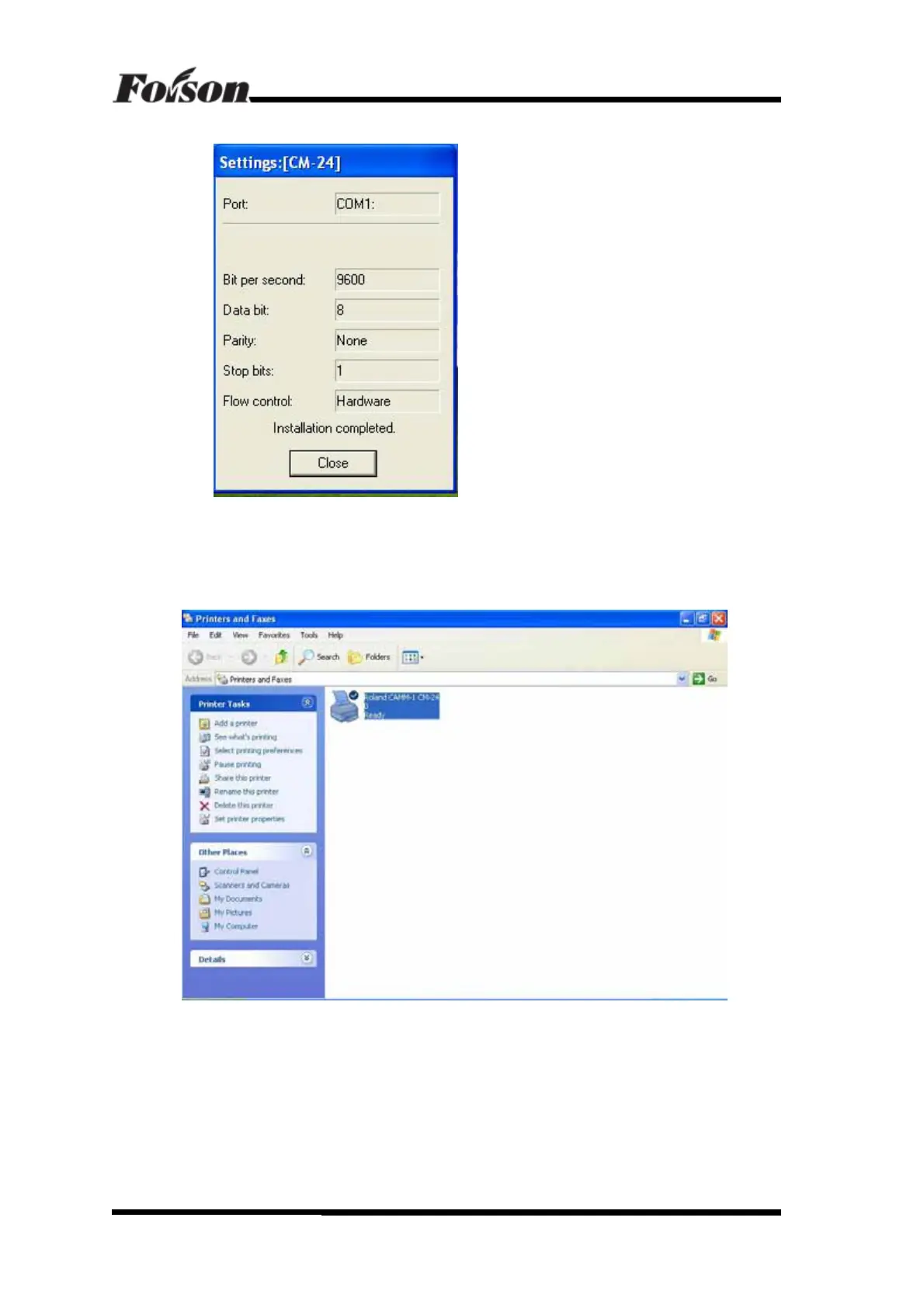
But if it’s COM2, selects COM2. Click OK and enter next step, shown as following:
Ignore Bit per second and Flow control options, they will be introduced latter. Click Close.
The driver is well-installed.
2) Enter Printer and Faxes setting of the PC, shown as following:
CorelDraw Software Output



 To Next Page