C SERIES USER’S MANUAL
44
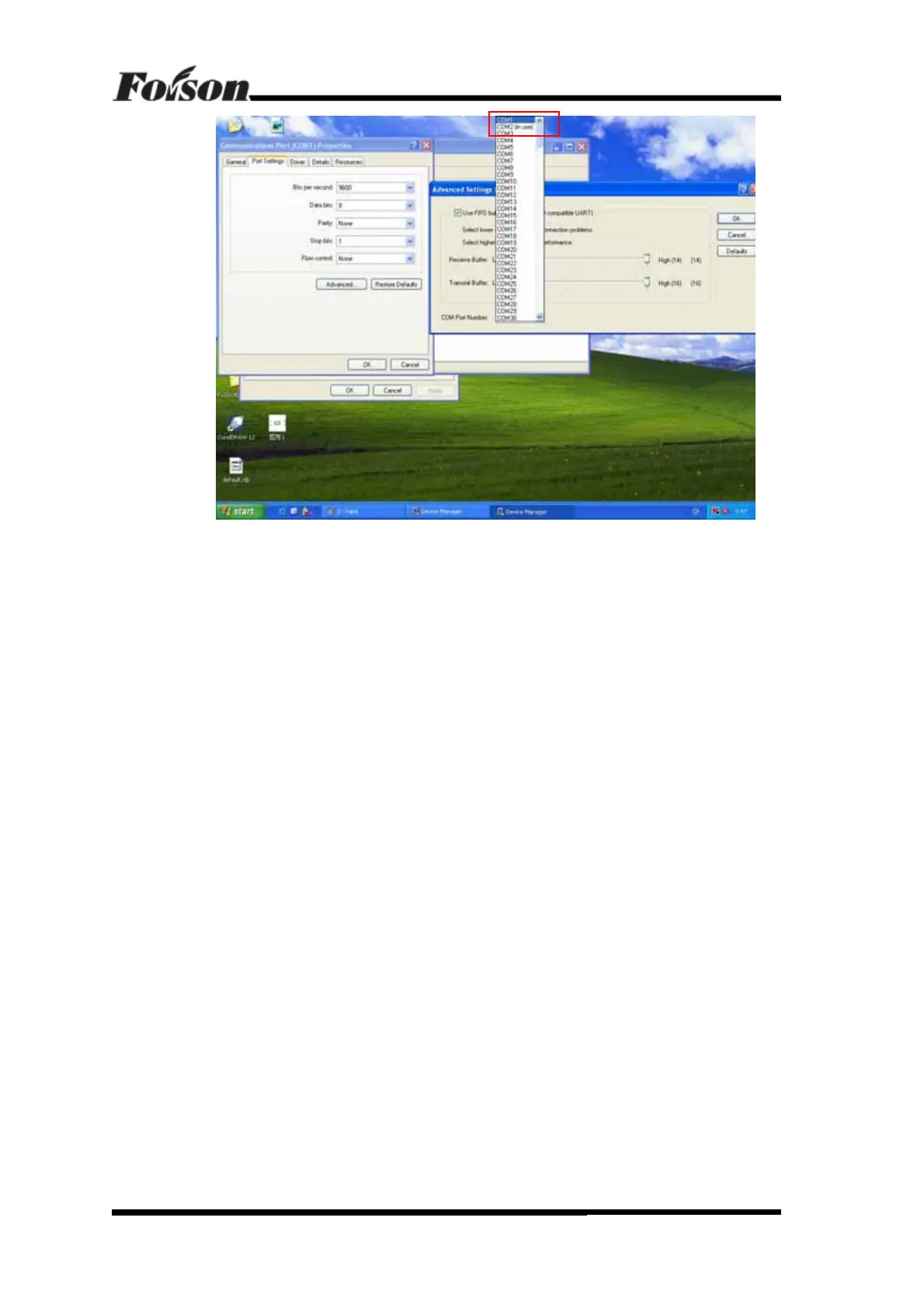
There are many ports selectable. Note that if the port is using, it will mark “In Use”. We
can choose other ports that are not in use. After selecting the port, the USB port will set as the
new selected port. If the port is the same as the software setting, the cutter can transmit data to
computer.
Hints: If both COM1 and COM2 are in used, we can repeat the previous operation, set
other COM1 and COM2 in-use device to other port. Then set USB port parameters into
correspondent parameters.
Offline Status Description



 To Previous Page