FoMaKo
Focus Your Streaming www.fomako.net
8
5.4 IMAGE
Move the main menu cursor to [Image], and press
[HOME] key enter the image page, as shown in
the following figure.
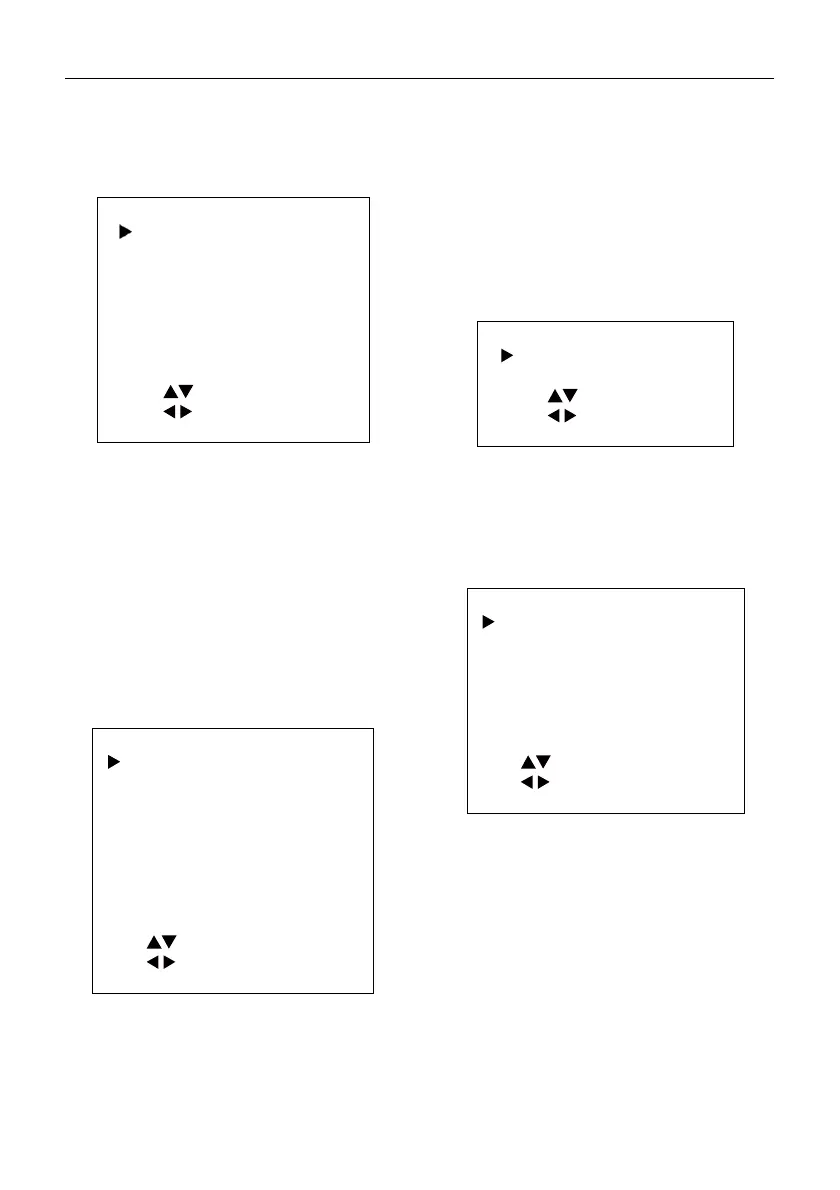
IMAGE
Luminance 6
Contrast 9
Sharpness 3
Flip-H Of
Flip-
Of
B&W-Mode Of
Style Default
Select Item
Change Value
[Menu] Back
Luminance: 0 ~ 14.
Contrast: 0 ~ 14.
Sharpness: 0 ~ 15, auto.
Flip-H: On, Off.
Flip-V: On, Off.
B&W-Mode: On, Off.
Style: Default, Norm, Bright, PC.
5.5 P/T/Z
Move the main menu cursor to [P/T/Z], and press
[HOME] key enter the P/T/Z page, as shown in the
following figure.
P/T/Z
SpeedByZoom On
AF-Zone Front
AF-Sense High
L/R Set STD
Display Info On
Image Freeze Of
Digital Zoom Of
Call Preset Speed 24
Pre Zoom Speed 5
Select Item
Change Value
[Menu] Back
SpeedByZoom: On, Off.
AF-Zone: Front, Top, Center, Bottom.
AF-Sense: Low, Normal, High.
L/R Set: STD, REV.
Display Info: On, Off.
Image Freeze: On, Off.
Digital Zoom: Off, 2x, 4x, 8x, 16x.
Call Preset Speed: 1 ~ 24.
Pre Zoom Speed: 0 ~ 7.
5.6 NOISE REDUCTION
Move the main menu cursor to [Noise Reduction],
and press [HOME] key enter the noise reduction
page, as shown in the following figure.
NOISE REDUCTION
NR3D-Level 6
Select Item
Change Value
[Menu] Back
NR3D Level: Off, 1 ~ 9.
5.7 SETUP
Move the main menu cursor to [Setup],
and press [HOME] key enter the setup page,
as shown in the following figure.
SETUP
Language EN
DVI Mode HDMI
ideo Format 1080P30
Auto Scan Shoot Of
ideo Mode
Other
Select Item
Change Value
[Menu] Back
Language: EN, Chinese, Russian.
DVI Mode: HDMI, DVI.
Video Format: 4KP25, 4KP29.97, 4KP30, 4KP50,
4KP59.94, 4KP60, 1080P30, 1080P25, 1080P50,
1080P60, 1080P59.94, 1080P29.97, 1080I50,
1080I60, 1080I59.94, 720P60, 720P59.94, 720P50.
Auto Scan Shoot: On, Off.
Video Mode: SDI-3G Mode, Video Output.
SDI-3G Mode: LEVEL-A, LEVEL-B.
Video Output: HDMI, SDI.
Other: Auto Inversion, Tally Mode, USB2.0 Audio.
Auto Inversion: On, Off.


 To Next Page