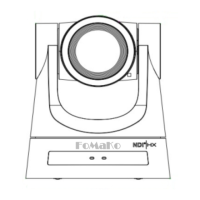
FoMaKo
Focus Your Streaming www.fomako.net
10
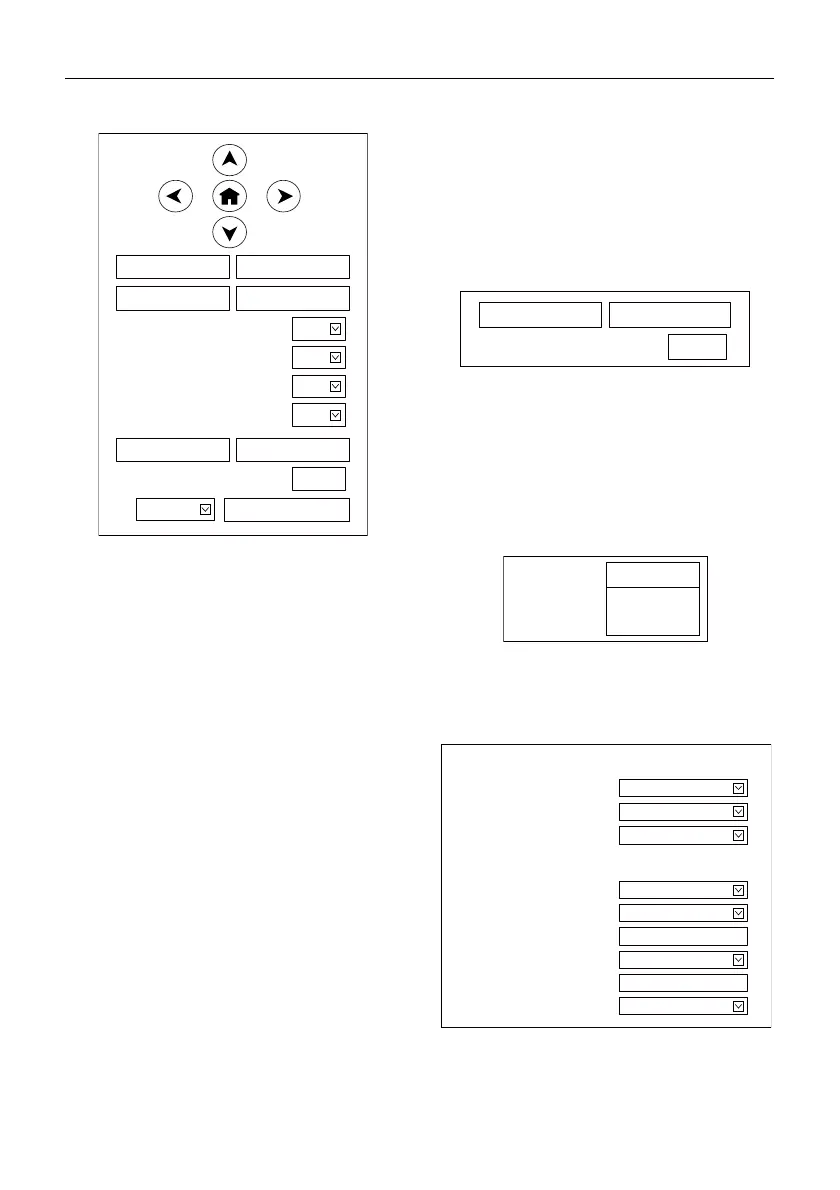
B. PTZ Setup
1) Pan and Tilt Control
Up, Down, Left and Right arrows and the home
button allow you to manually drive the camera to
the desired position.
2) Zoom
Zoom In and Zoom Out buttons allow for wide or
narrow view of the space.
3) Focus
Focus In and Focus Out buttons allow for fine
manual focus adjustment if the camera has any
problems auto focusing on the difficult object.
4) PTZ Speeds
Pan speed can be set at any rate between
1 ~ 24, Tilt speed can be set at any rate between
1 ~ 20. Zoom and Focus speeds can be set at any
rate between 1 ~ 7.
5) PTZ Presets
After manually setting up a shot that you would
like to return to later, you can save presets for
quick recall of these positions. Type a number
between 0 and 254 into the Preset box.
Click the “Set” button to save the current
location with that preset number. Click the “Call”
button to cause the camera to return to that
position. This enables smooth, quick and
convenient control without the need to manually
drive the camera.
You can set up preset that user want as below.
Method: Type preset number into the Preset box.
Preset: Optional items: 0 ~ 254.
6) PTZ/OSD Dropdown
From the dropdown menu, clicking the OSD
option will open the on-screen display menu of
the camera giving you control from within the IP
interface.
C. Language Selection
Click either “Chinese”, “English” or “Russian” to
change the language of the webpage.
6.3 Video Settings
Zoom In Zoom Out
Focus In Focus Out
10
10
Pan Speed
Tilt Speed
5
Zoom Speed
5
Focus Speed
Set Call
Preset
PTZ Back
Set Call
Preset
Language
务篎(𬴂)
Русский
English
Video Settings
HDMI
HDMI/SDI Output
1920x1080/30p
Video Format
mainprofile
Encode Level
First stream
H264
Encode Protocol
1920x1080
Resolution
4096
Bit Rate
25
Frame Rate
fps
25
I Key Frame Interval
CBR
Bit Rate Control


 To Next Page