FoMaKo Focus Your Streaming www.fomako.net
Keyboard OSD menu settings
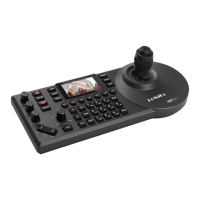
Press the "SETTING" button to open / exit the keyboard menu Use
the joystick to operate the keyboard menu
a.
Move the joystick cursor up and down
b.
Move the joystick to the right to enter the next menu / switch parameters
c.
Move the joystick to the left to return to the previous menu / switch parameters
d.
"HOME" button on the top of the joystick to enter the next menu / save and exit Use
the "FOCUS" knob to operate the keyboard menu
a.
Rotate the cursor clockwise down
b.
Rotate the cursor counterclockwise up
c.
Click the "FOCUS" knob to enter the next menu / save and exit
Click the "BACK" "AUTO" to return to the previous menu / exit without saving
Keyboard input
Each button with number and letter or symbol input, select the character you want to input by
clicking the button continuously
Adjust the cursor position by rotating the joystick left or right or the "FOCUS"knob Case
switching:
a.
Click the button "1" twice continuously to switch to uppercaseEnglish
b.
Click the button "1" three times continuously toswitch to lowercase English
"DELETE" : delete a single character
"ENTER", "HOME" : save and exit "BACK",
"AUTO": do not save and exit
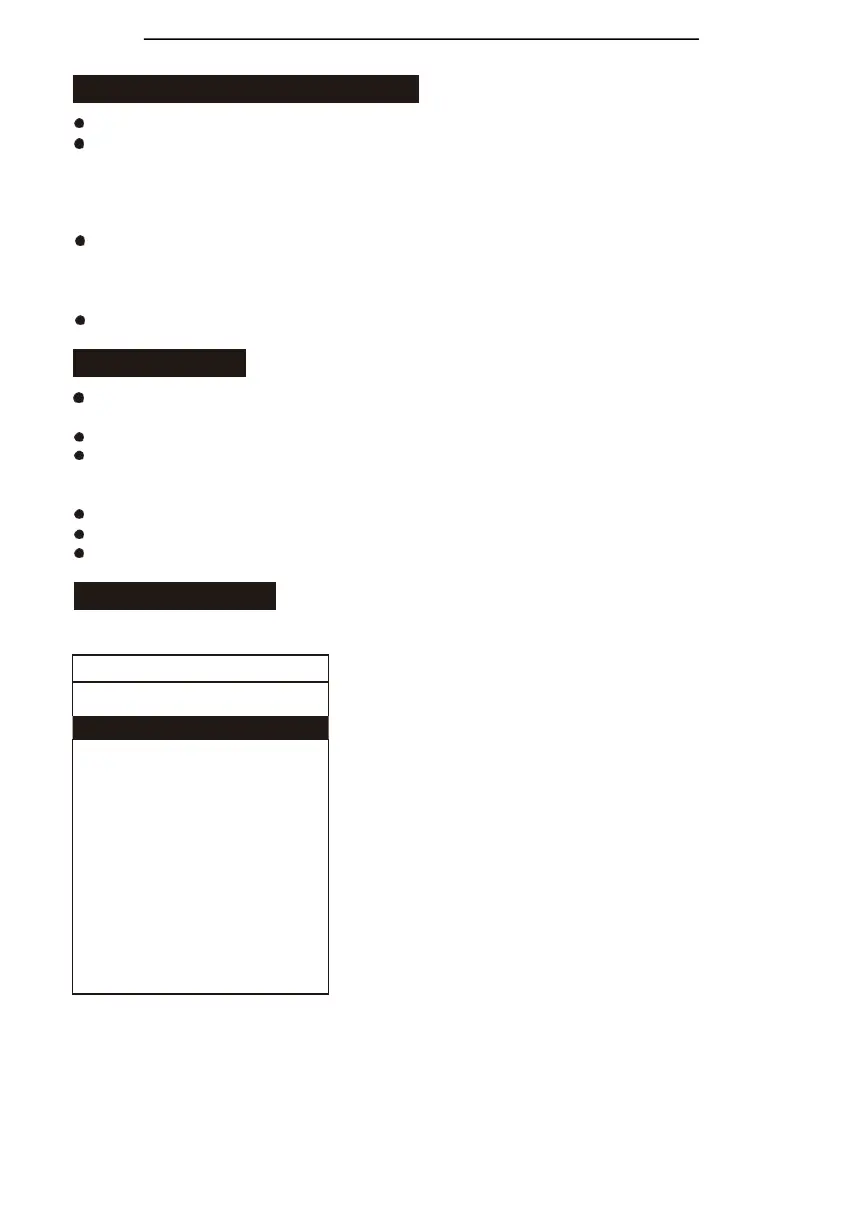
Menu introduction
Main menu list
Hot Key: It is used to set the device information of
CAM1~CAM7 shortcut keys;
Device Management :Used to manage the keyboard neglect
device and added device information;
Protocol Settings:Authorization and information
management for the corresponding protocol of the controller;
Network:Used to manage network setting;
Keys:Used to set up the custom functions of the buttons
F1andF2, and the preset operation mode; Display:Usedfor
setting up the display of controller;
Beep:Beep happens when operate the buttons; Joystick:Set
up joystick related functions;
Tally:The controller is used to send and receive tally signals;
Language:Set the keyboard display language;
About Device:Display equipment information (the following information is given by the manufacturer and
cannot be modified without permission. If you have any questions, please contact the manufacturer);
Reset Device:Restore to factory default setting state
.
√.Protocol Settings >
√.Network >
√.Keys >
√.Display >
√.Beep >
√.Joystick >
√
.
T
a
ll
y
>
√.Language English >
√.About Device >
√.Reset Device >


 To Next Page