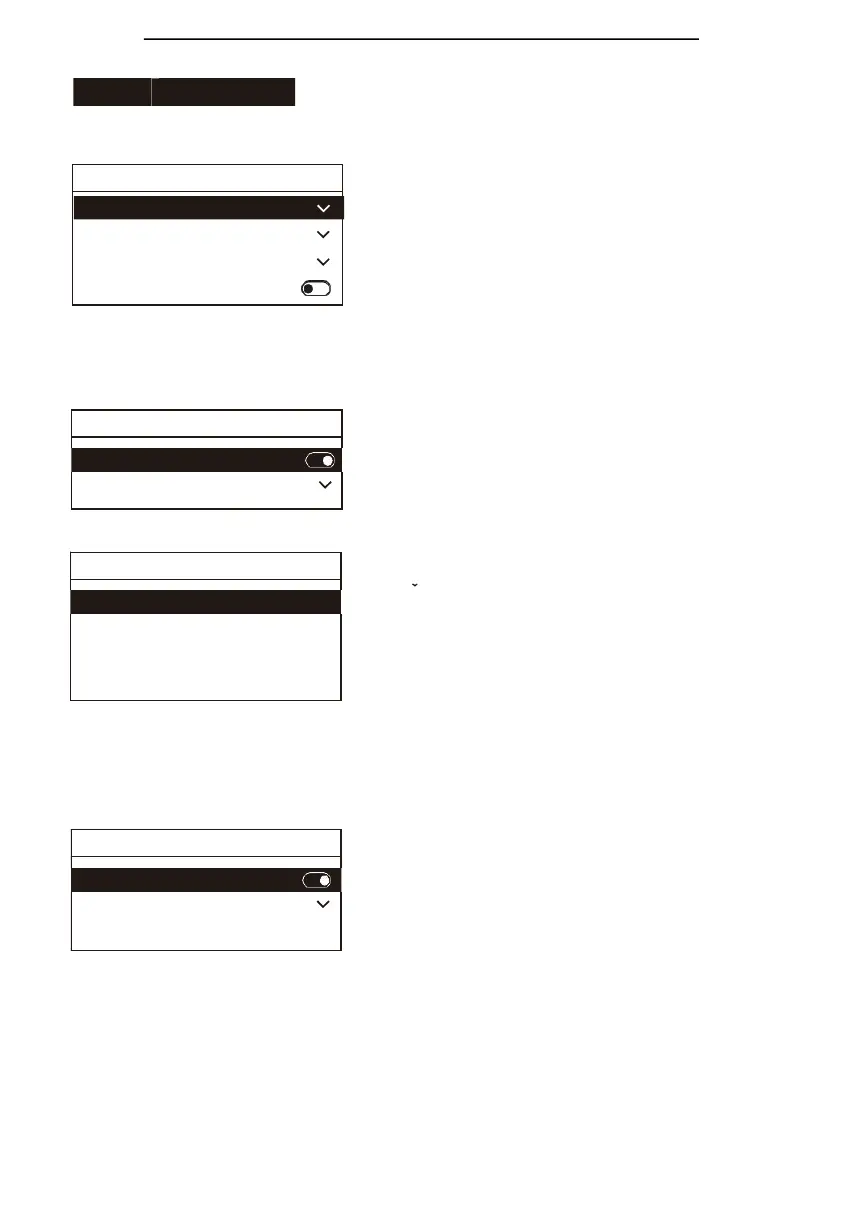
Theme color: Modify the display color of the controller
theme (after the modification, power off and reboot to
take effect) ;
Brightness: Modify the screen brightness; Key brightness:
modify the buttons brightness;
Auto sleep: the controller will sleep after 30 minutes
whenyou turn on theautomatic sleep, and the buttons and
screen brightness become low.
On: the buzzer works when prompt tone is turned on, and
there is sound feedback when the buttons are pressed;
Style: select the prompt tone style.
ZoomFunction: After turning on, rotatethejoystickto
control the zoom of the camera;
Pan Reverse: Turn on, the left and right direction is
reversed when you control the camera;
Tilt Reverse: Turn on, the up and down direction is
reversed when you control the camera; Calibration:
When the joystick is abnormal, try to calibrate the joystick
according to the prompts (click the "BACK" button to back
from the calibration mode).
Enable: Tally signals can be received and sent after
being turned on;
Mode: The controller can be selected as tally signal
output or input;
Camera Link: Turn it on, connect the camera with tally
light, when thecamera isconnected with the protocol that
supports tally signal, the tally light of the camera will
receive the signal and respond.


 To Next Page