4.2 Suggested System Installation Sequence
Based on our experience, we recommend that you follow this installation
sequence:
Assemble Installation Tools
Install the Monitor
Connect the Power Supply
Connect the Trigger Wire(s)
Install the Cable
Install the Camera
Connect the Camera Cable to the Monitor
Test and Calibrate the System
Adjust the Camera View
Secure the Camera Cable
4.2.1 Install the Monitor
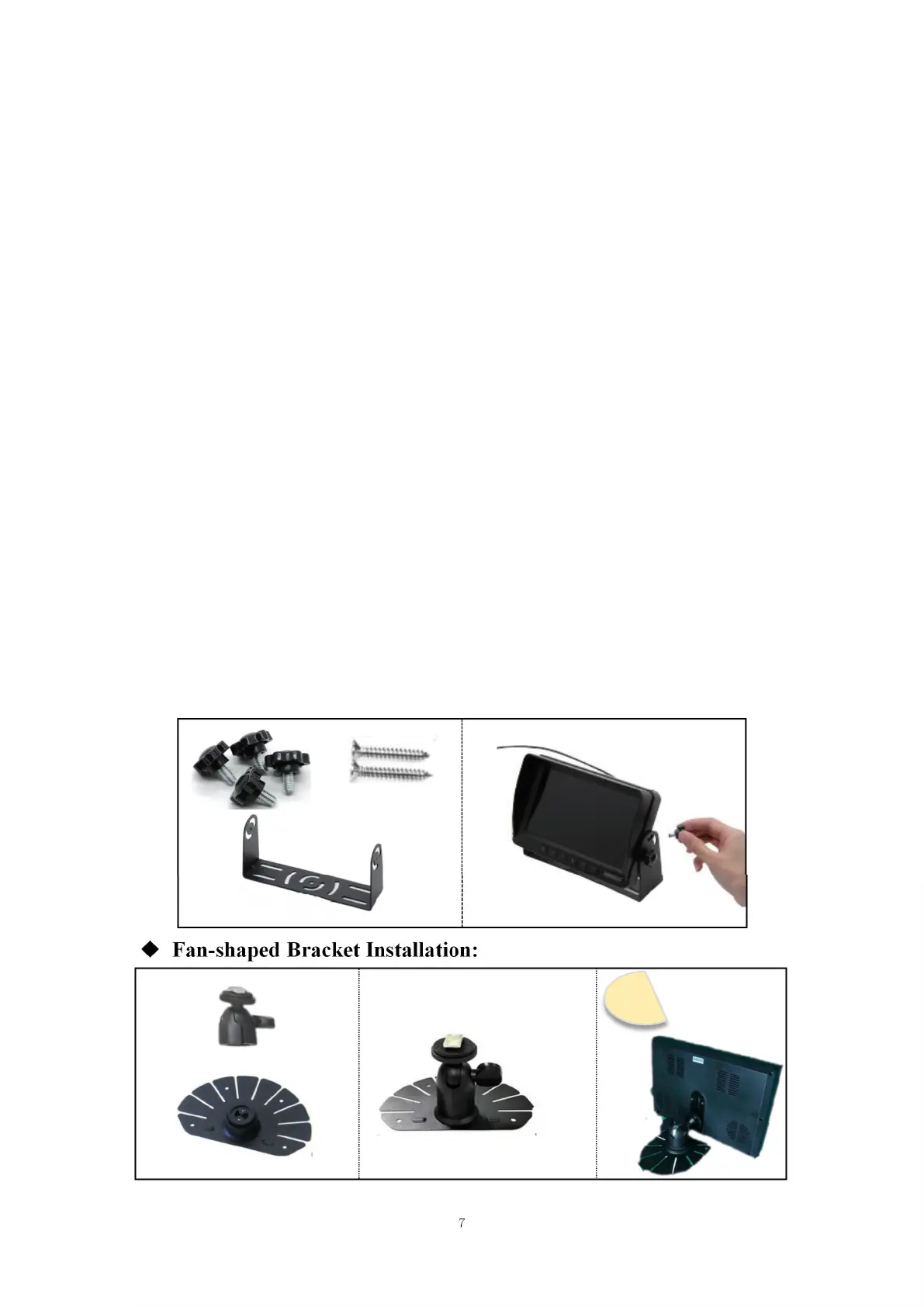
The monitor is delivered with a metal U-shaped bracket and a Fan-shaped
bracket.
U-shaped Bracket Installation:
Fan-shaped Bracket Installation:


 To Next Page