4.2.12 Secure the Cables
When the system is set-up the cables may now be properly secured
and stowed.
Use plastic split-shield cable covers where appropriate to protect the
cables in open areas.
Secure the cables using adhesive 3M type ¼” cable clips and/or zip
ties.
You may have surplus cable length remaining in your installation. If
this is the case, find a convenient place to bundle the cable with zip
ties and securely hide it out of site. We do not recommend shortening
the cable by cutting and rejoining it.
Please note that we offer additional shorter or longer compatible 4-pin
aviation video cables to support the requirements of your installation.
5 SYSTEM OPERATION
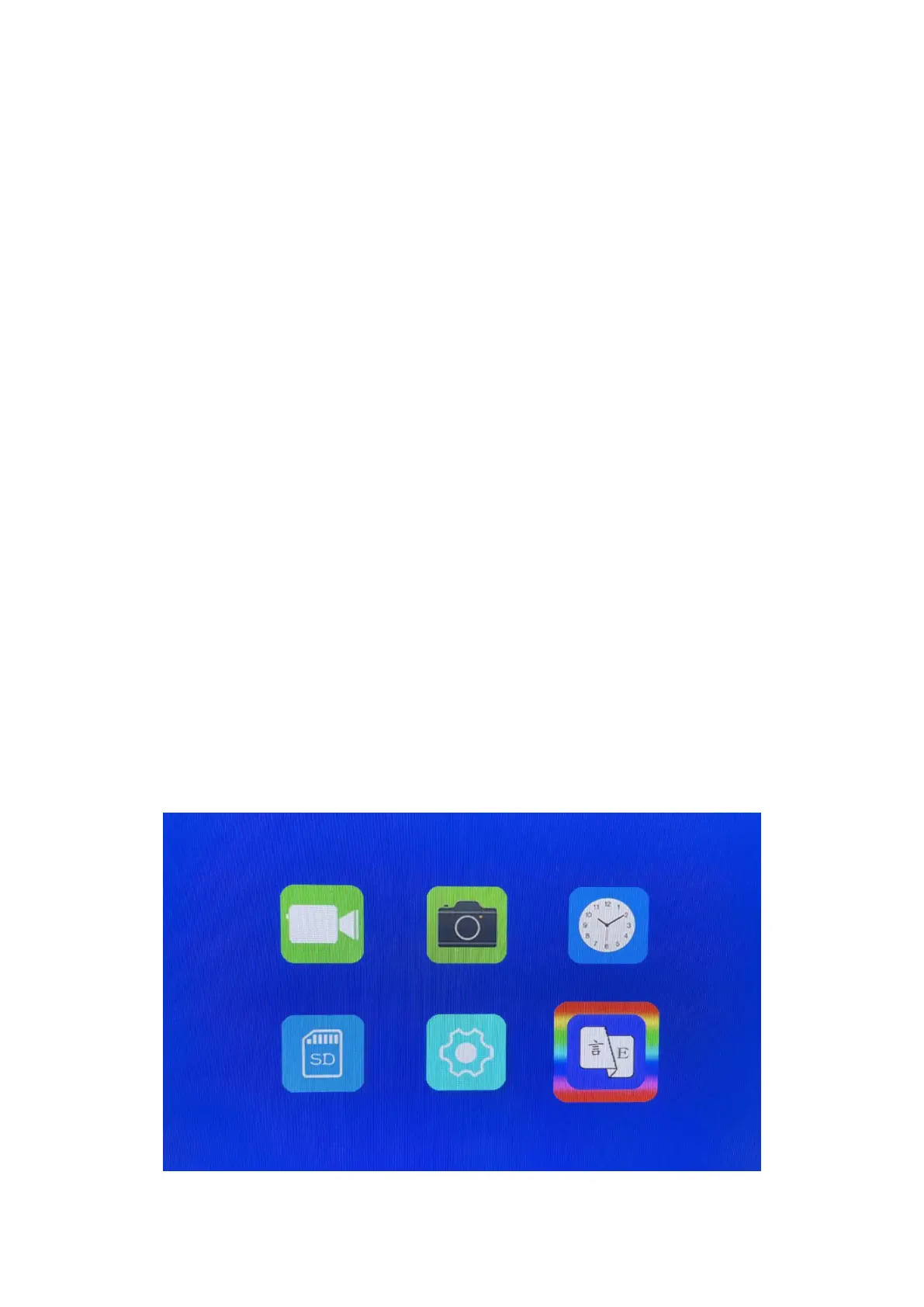
The following graphic illustrates the layout of the software management
system (SMS) panels and their associated sub-panels. Please note that
you can press the buttons of monitor or use the remote to access or
modify the SMS panels. While they may appear to be complicated, they
are not.



 To Next Page