14
PREPARATIONS BEFORE USE
Battery Replacement
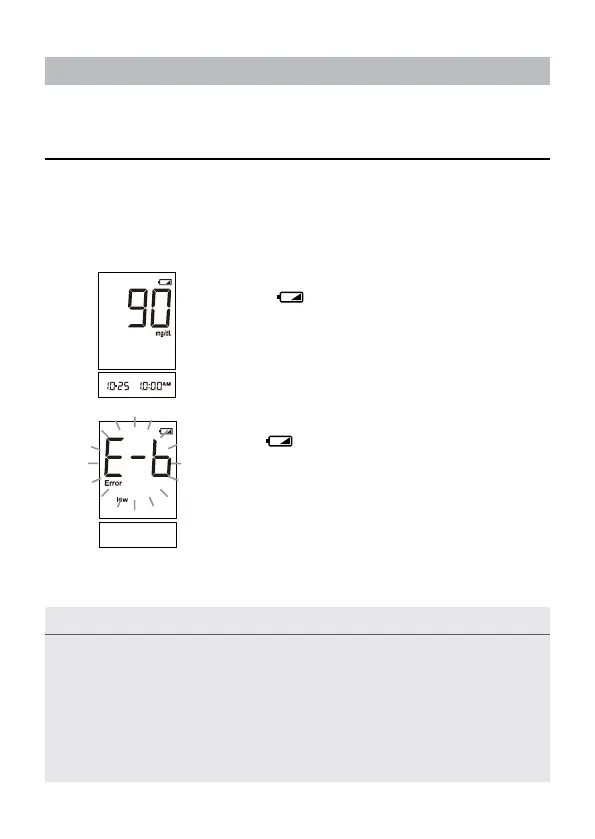
Your meter comes with one 3V CR2032 Lithium battery. The meter will alert you
when the power is low by displaying two different messages:
1. When symbol is displayed on the main
screen: the meter is functional and the result re-
mains accurate, but battery should be replaced.
2. With
symbol, low and E-b symbols on the
displays: the battery can not provide enough power
to do a test. You must replace the battery immedi-
ately.
NOTE
• Replacing the battery within 5 minutes does not affect the settings. Therefore,
the settings do not need to be updated when the battery is changed.
• Batteries might leak chemicals if not used for a long time. Remove the
battery if you are not going to use the device for an extended period (i.e., 3
months or more)
• Do not use the used battery. Use only 3V CR2032 new battery.



 To Next Page