34
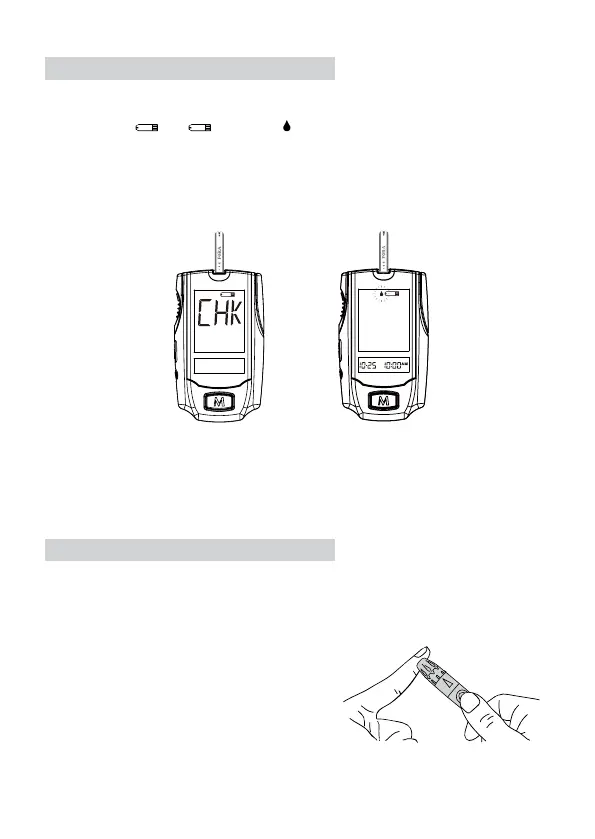
Insert a test strip by putting the contact bars end rst and facing up into the test
slot. The meter turns on automatically and shows the following messages:
“CHK” and “
” → , ashing “ ” with date and time.
Select the puncture site either in nger or in other parts (AST). Clean the puncture
site with 70% alcohol cotton and let it air dry.
˙ Fingertip Testing
Hold the lancing device rmly against the side
of your nger. Press the release button. You
will hear a click, indicating that the puncture is
complete.
STEP 2. Insert the Test Strip
STEP 3. Get a Drop of Blood



 To Next Page