13
Step 3
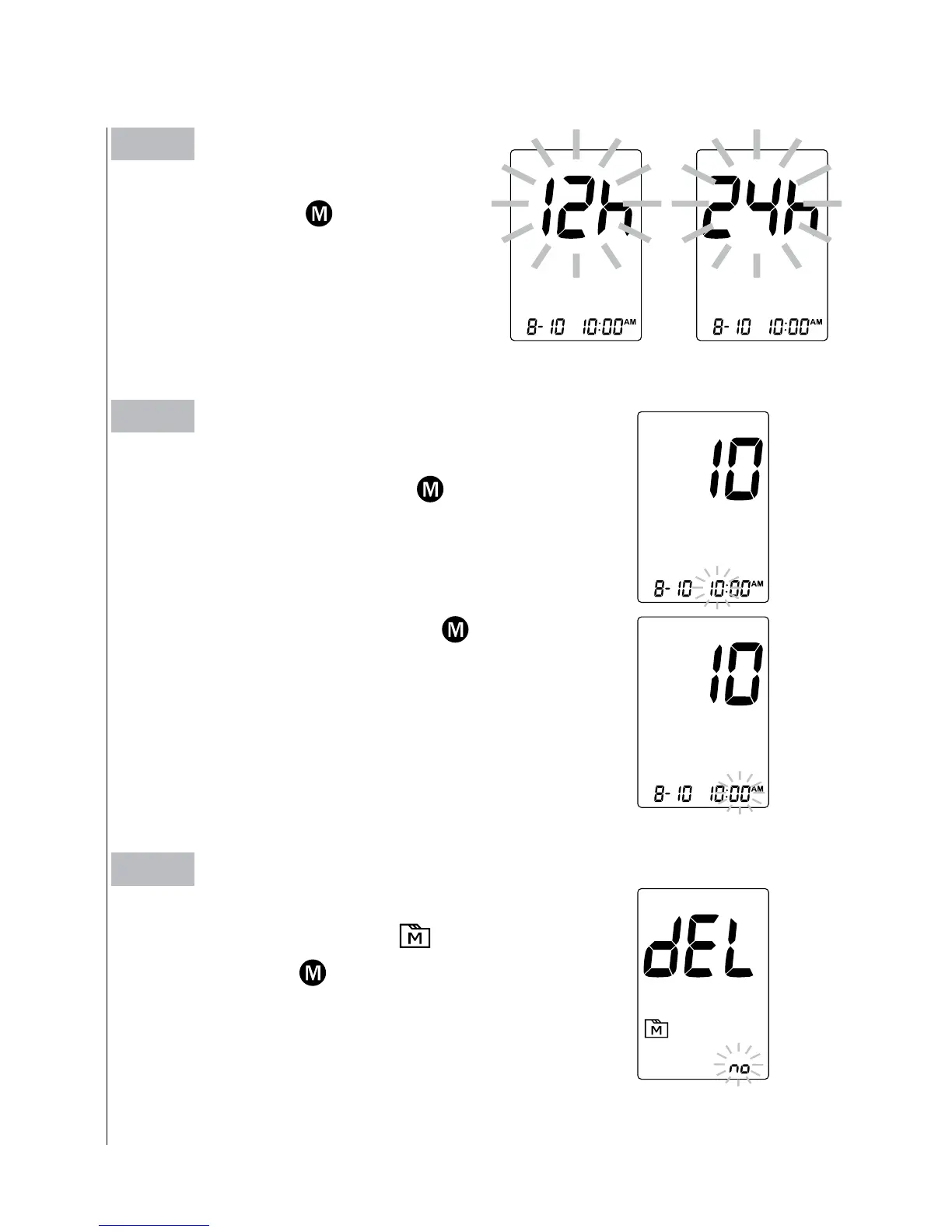
Setting the time
With the hour flashing, press
button until
the correct hour appears. Press SET button.
With the minute flashing, press
button
until the correct minute appears. Press SET
button.
Step 4
Deleting the memory
With
“
dEL
”
and a flashing
“
”
symbol on
the display, press
button and select
“
No
”
to keep the results in memory then press
SET button to skip
.
Step 2
Setting the time format
Press and release
button to se-
lect the desired time format --- 12h
or 24h. Press SET button.



 To Next Page