18
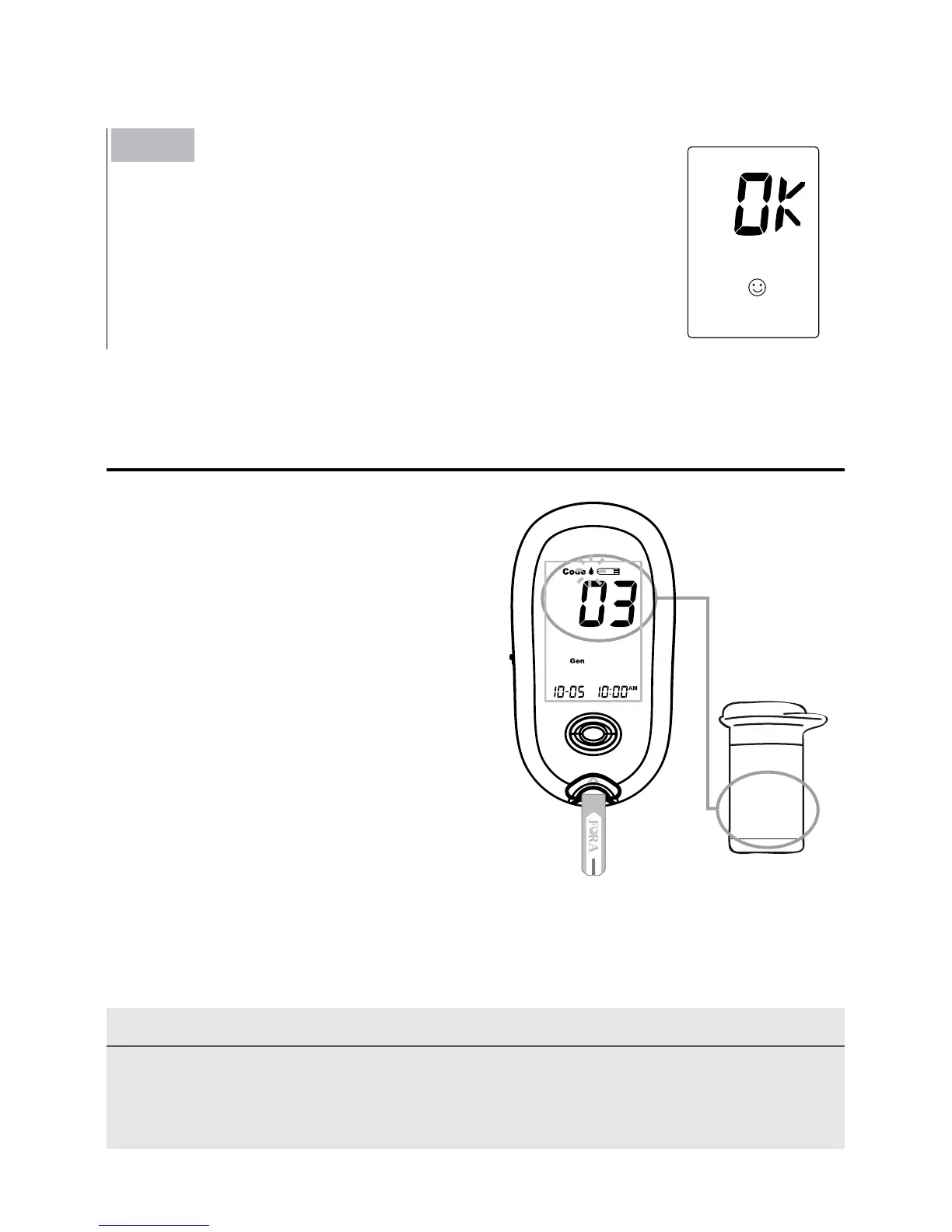
You need to make sure that the
code number displayed on the
meter matches the number on the
test strip vial before you proceed.
If it matches, you can proceed with
your test. If the codes do not match,
please stop testing and repeat the
calibration procedure. If the problem
persists, contact Customer Service
for help.
Warning
It is important to make sure that the LCD displayed code is the same as the
code on the test strip vial before testing. Failure to do so will get inaccurate
results.
Checking the Code Number
Step 2
Remove the code strip, the display will show
“
OK
”
.
This tells you that the meter has finished coding and
is ready for blood glucose testing.
Code 03



 To Next Page