27
METER MEMORY
The meter stores the 1000 most recent blood glucose test results
along with respective dates and times in its memory. To enter the
meter memory, start with the meter switched off.
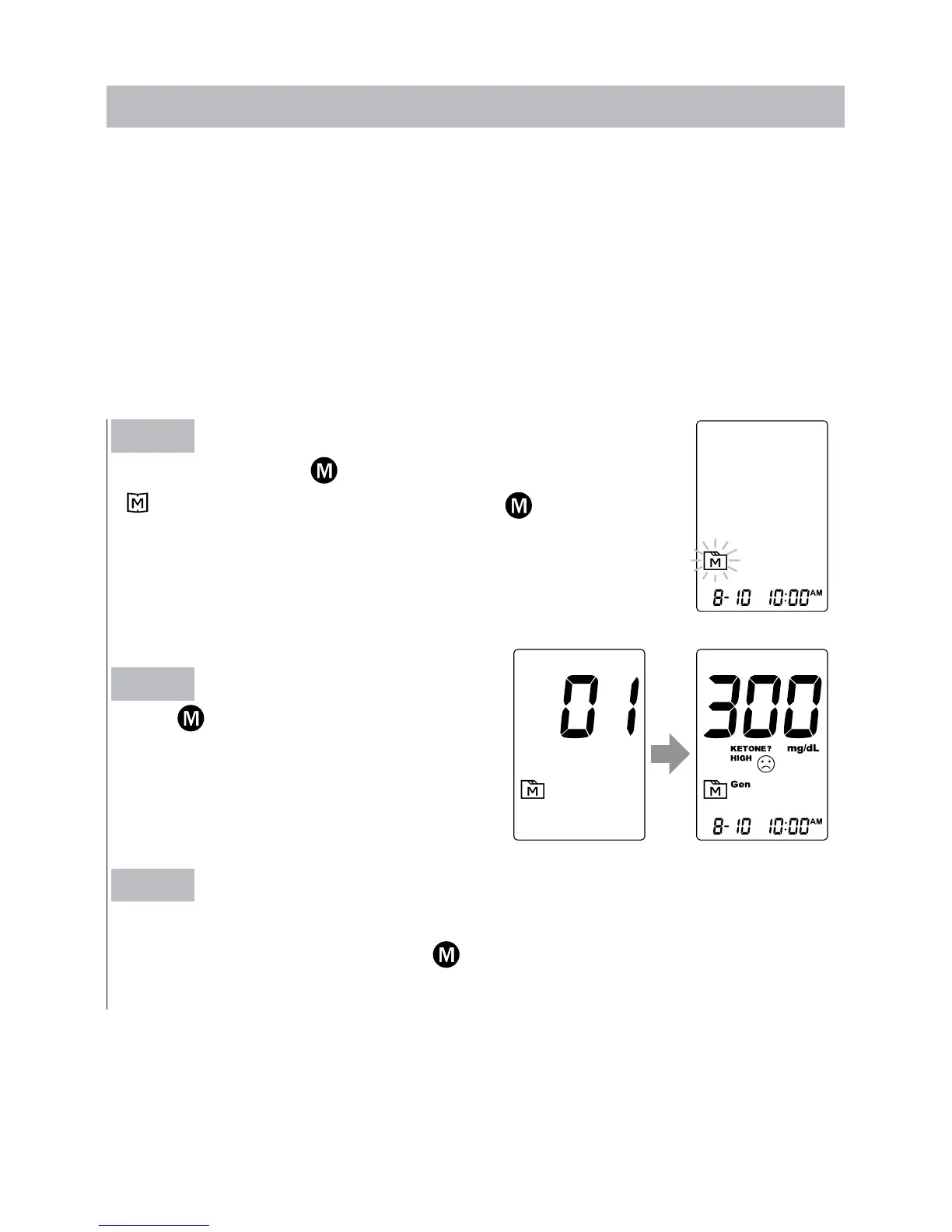
► Reviewing Test Results
Step 1
Press and release
.
“
”
will appear on the display. Press
again, and
the first reading you see is the last blood glucose
result along with date, time and the measuring mode.
Step 2
Press
to recall the test results
stored in the meter each time you
press.
Step 3
Exit the meter memory.
After the last test result, press
again and the meter will be turned
off.



 To Next Page