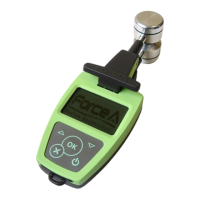
DUALEX SCIENTIFIC+
TM
FORCE-A User’s manual v.3.1
analysed using any spreadsheet software.
Note: When the Dualex Scientific is used in USB mode, no measurement can be realized. To go
out of the USB mode, press on . The software returns then to the main menu.
II.5.b. DUALEX SCIENTIFIC+™ update
WARNING:
In order to avoid a loss of data, please copy the files from the memory before proceeding
to an update. The DUALEX SCIENTIFIC+™ will erase the memory at the end of the
process.
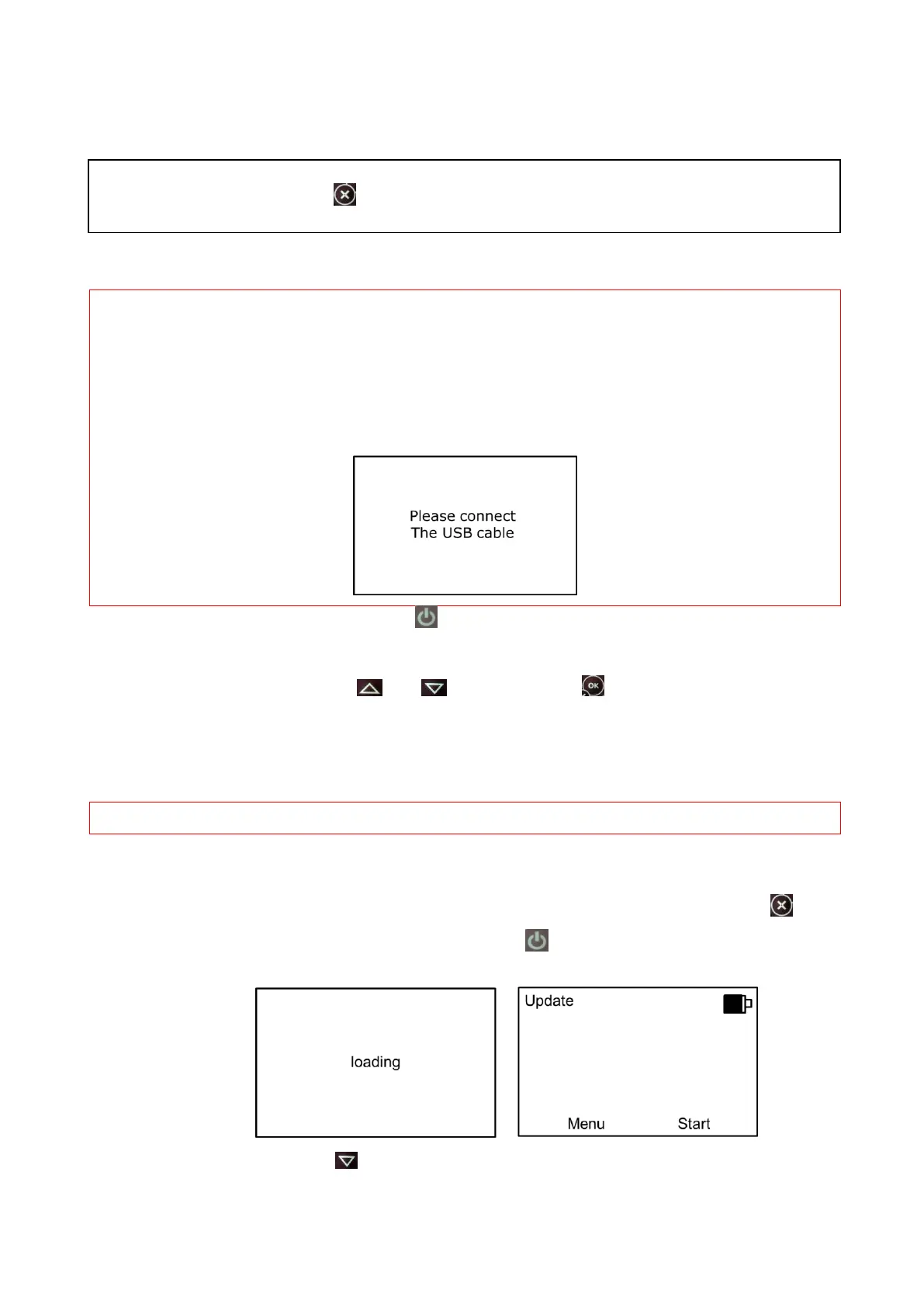
The USB has to remain connected throughout the update. If the device is disconnected, the
following message will be displayed:
Switch on the DUALEX
®
with the button .
Connect the cable USB to the mini connector USB. In the main menu of DUALEX
®
, select the
sub-menu >USB< with the botton and . Press the button . The DUALEX
SCIENTIFIC+™ behaves then as an USB device.
Transfer of the software: Copy the files boot.dx4 and flavxxx (xxx correspond to the number of the
update: it is an applicative software) in the memory of your DUALEX SCIENTIFIC+™.
WARNING: Do not do anything during the files transfer.
Software set up:
- Leave the USB mode once the 2 files are transferred, by pressing on the button .
- Re-start the device by pressing on the button . The updating of the software begins.
The following screens appear:
- Press the button to select « start »:


 To Next Page