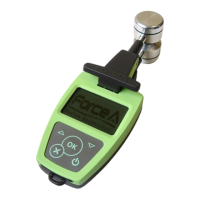
DUALEX SCIENTIFIC+
TM
FORCE-A User’s manual v.3.1
II Getting Started
Unpack the DUALEX SCIENTIFIC+™ and check that there is no evident damage.
The DUALEX SCIENTIFIC+™ is charged before delivery, however depending on storage time,
the battery can be discharged.
II.1. Charging the DUALEX SCIENTIFIC+™
To charge the DUALEX SCIENTIFIC+™, connect the USB cable to either:
- the wall plug adapter cable and plug it in a regular power supply (check that voltage (110-
220V) and frequency (50-60 Hz) are compatible)
- a USB port on a computer.
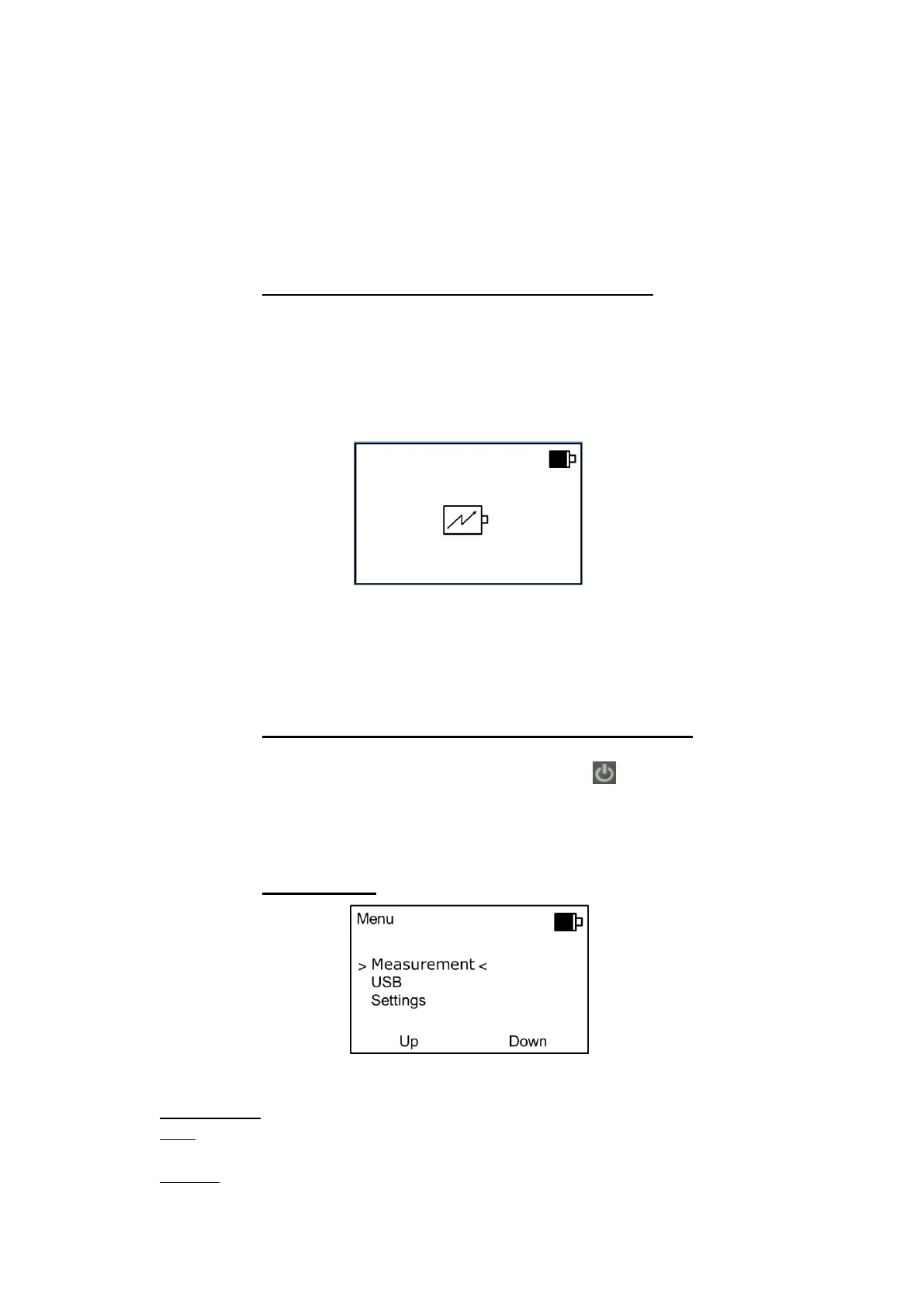
While connected, a charge indicator will appear on the screen:
The DUALEX SCIENTIFIC+™ unit can be operated when the battery is under charge.
The full charge of the battery will be completed after 4 hours.
With a full charge, operating time is nearly 7 hours in continuous use.
II.2. Switching on the DUALEX SCIENTIFIC+™
To switch on the DUALEX SCIENTIFIC+™, press a ‘long push’ on the keyboard.
A screen with FORCE-A image will quickly appear.
Then the main menu will be displayed.
II.3. Main menu
The main menu includes 3 sub-menus:
1. Measurement: allows measurements.
2. USB: allows to download the recorded data and to update the device software from a
computer.
3. Settings: give access to the different menu configurations like the GPS, Format, Measure,


 To Next Page