DUALEX SCIENTIFIC+
TM
FORCE-A User’s manual v.3.1
II.6. Submenu ‘settings’
The submenu ‘settings’ gives an access to adjustable parameters:
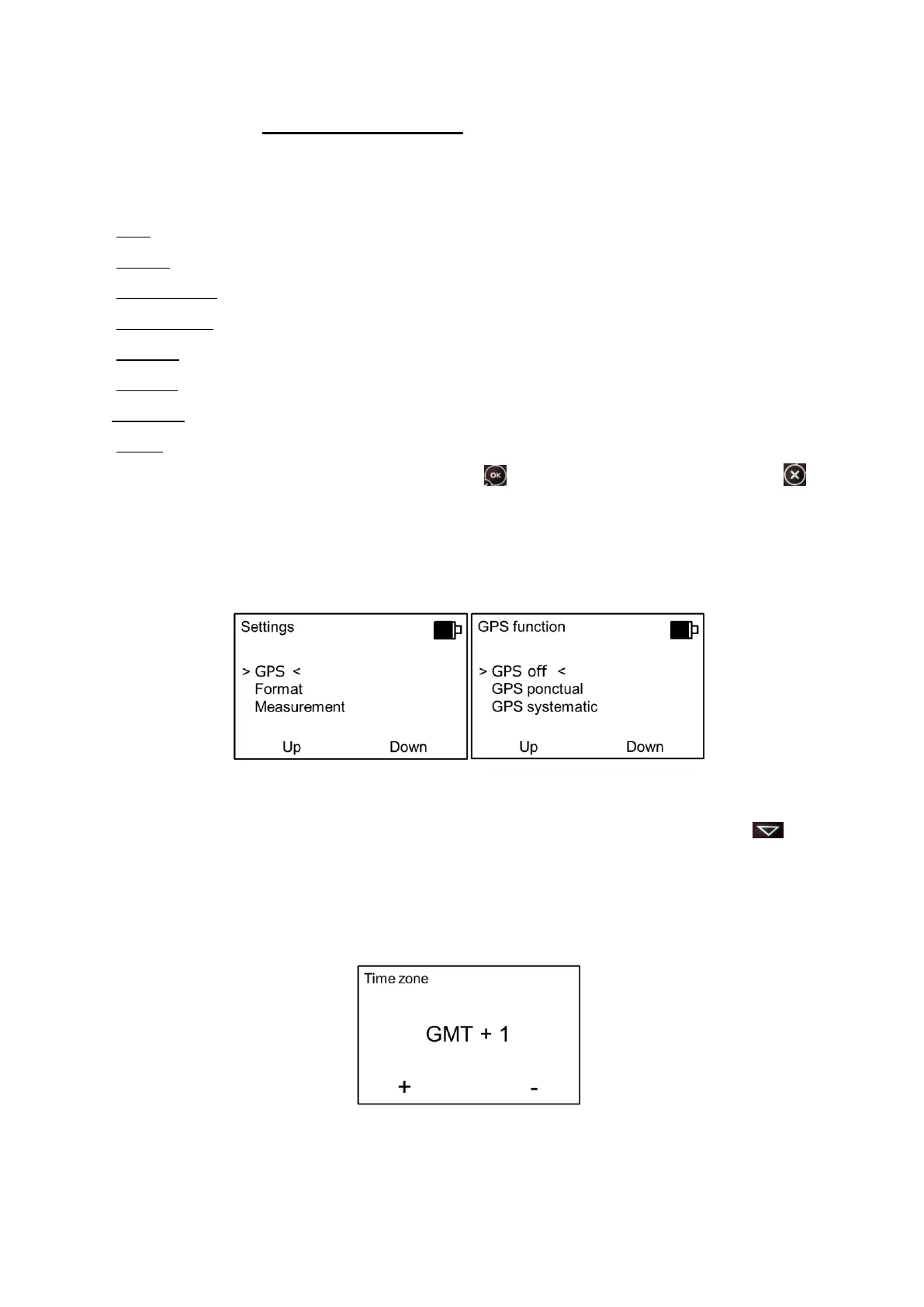
1. GPS: toggles GPS in mode Off, Light or Full.
2. Format: formates the flash memory.
3. Measurement: allows selecting the acquisition mode for measurements.
4. Date & Time: updates date and time.
5. Contrast: allows variation of screen contrast.
6. Standby: adjusts the time before standby mode.
7.Language: allows to change the language of the DUALEX SCIENTIFIC+™.
8. About: displays the version of the software and the DUALEX SCIENTIFIC+™ serial number.
These parameters are validated by using the button .Or left as previously by pressing on , the
software returns then to the main menu.
II.6.a. GPS
There are three ways to use the GPS:
- GPS Off (by default): no GPS data saved.
- GPS ponctual: GPS data are saved by pressing a few seconds on the button during
the measurement.
- GPS systematic: the GPS is active all the time, it saves GPS datas for every measurement.
We can adjust the time zone in > Time zone <:
When the GPS is active in mode ponctual or systematic, the device begins looking for the GPS
with the aim to update the time and the date.


 To Next Page