DUALEX SCIENTIFIC+
TM
FORCE-A User’s manual v.3.1
The 5 buttons on the keyboard are used to navigate through the software. The buttons are
multitask, and every action depends on the state of the tool.
The button is used to switch on the DUALEX SCIENTIFIC+™ with a long press. This button
is also used to switch off the DUALEX SCIENTIFIC+™: one press in the main menu, or a long
press at any time.
The button is used to enter a selection in a sub-menu, to validate a selection or to make a
measurement.
The button is used to cancel an action or a selection, and allow the suppression of the last
measurement; in this case the software will come back to the previous state. A long press turns
back to the main menu.
Buttons and are used to navigate in the menus, to increase the group rank and to
change the side tag.
I.2. DUALEX SCIENTIFIC+™ transport case
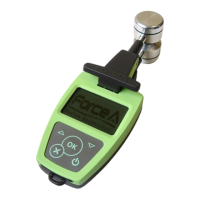
The DUALEX SCIENTIFIC+™ is delivered in a shock resistant case. It contains the Dualex
Scientific leaf-clip, a USB cable with a USB wall plug adapter and this user’s manual.
The DUALEX SCIENTIFIC+™ is powered by an internal rechargeable Li-Po battery. The battery
can be charged using the USB cable directly from the computer, or using the wall plug adapter
(110-220/50-60Hz).


 To Next Page